Blender 2.8 Model Texture Animate & Simulate Complete Guide
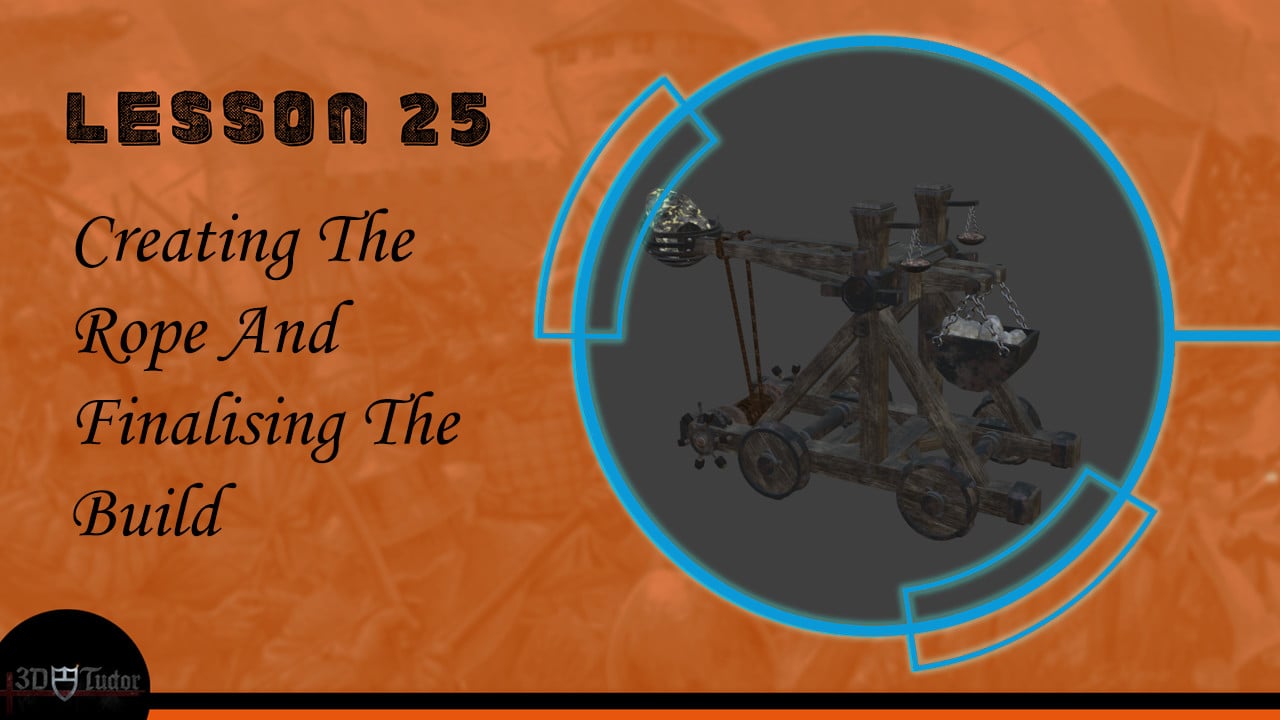
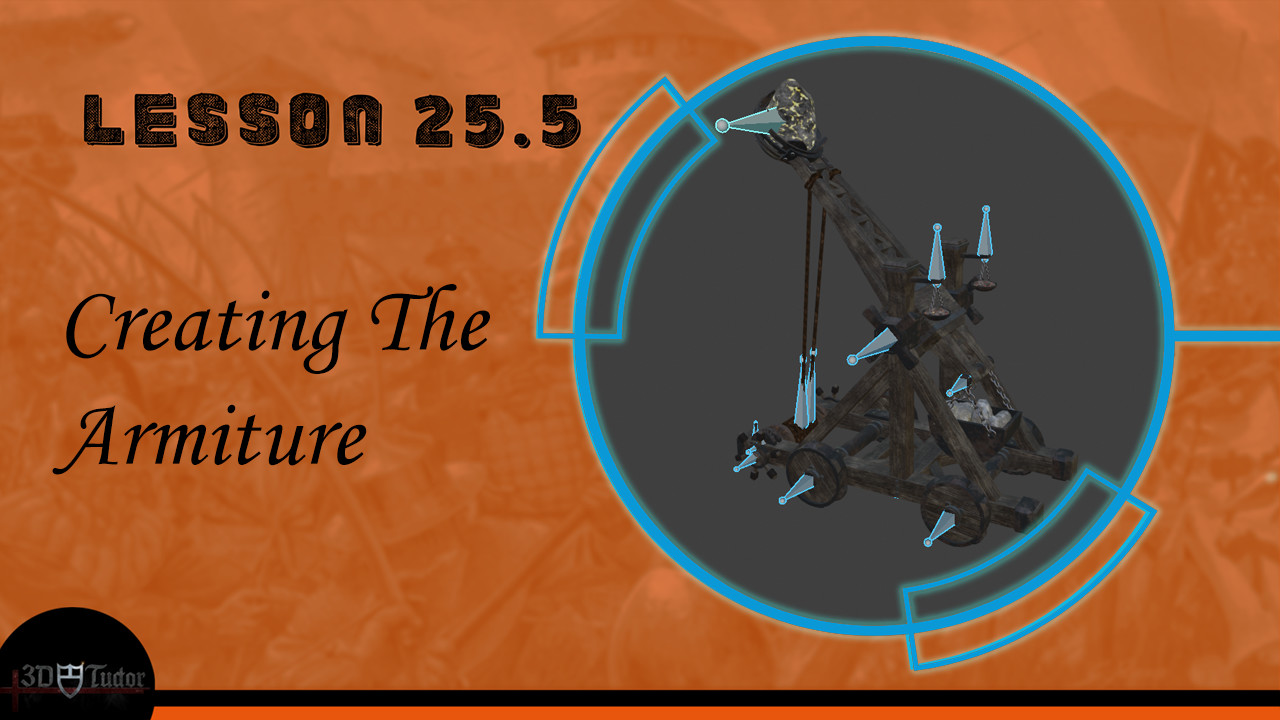
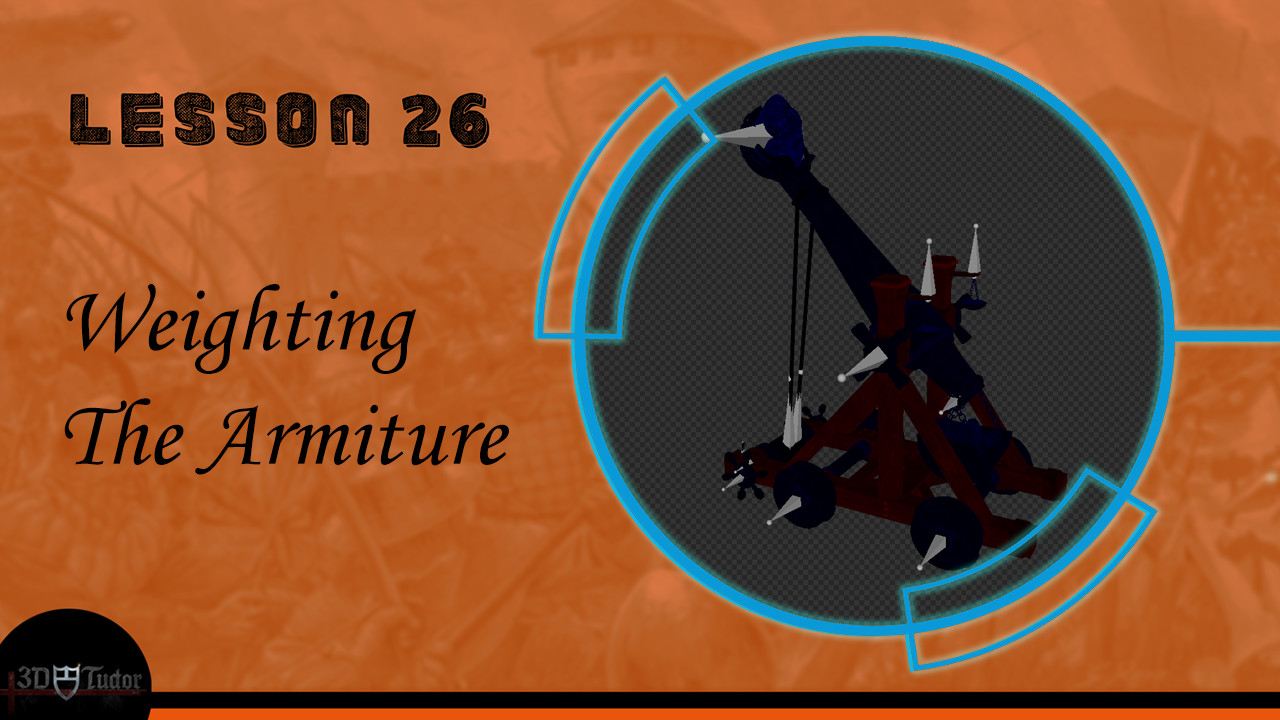
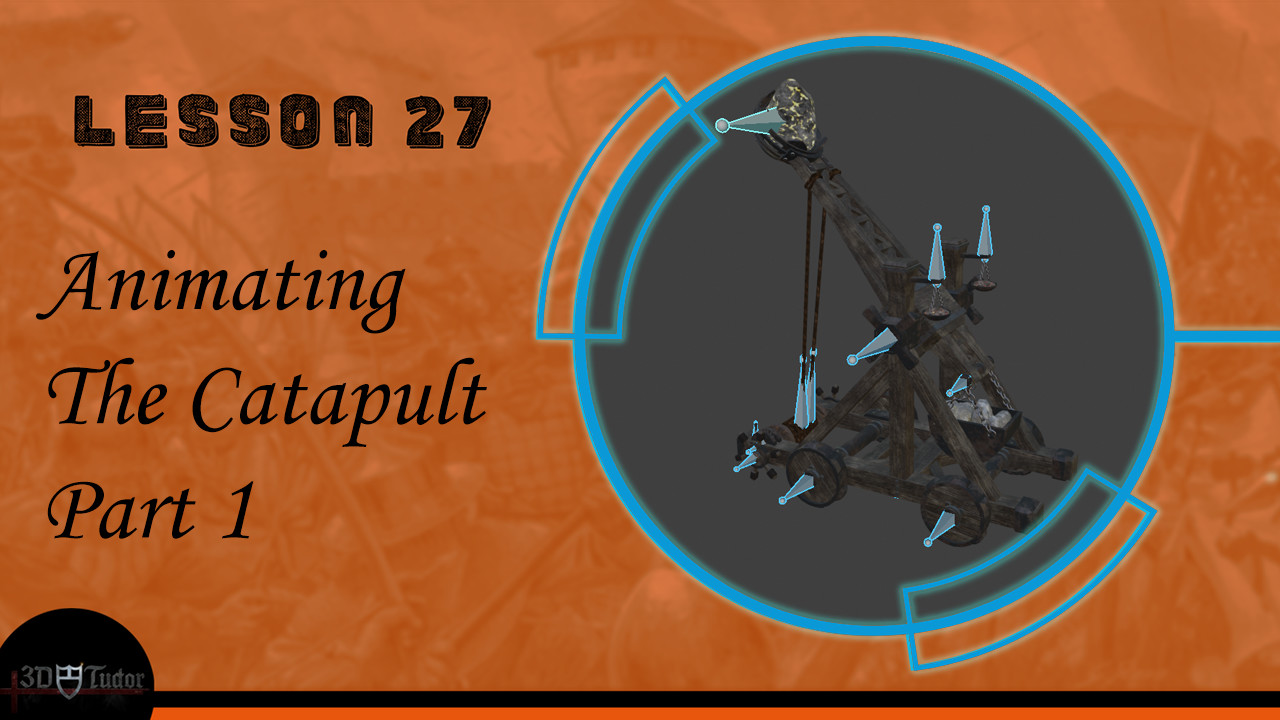
Blender 2.8 Model Texture Animate & Simulate Complete Guide
Course Description
Hi and welcome to this new 3D Tudor course, ‘Blender 2.8 Model Texture Animate & Simulate Complete Guide’. This is my most exciting course on the date. The focus of this course is to show you how to make realistic models, to a real-world scale. Enroll in this course and experience 15 hours of content, full of learning opportunities to take your 3D modelling, animation and simulations skills to the next level. By completing this course, you will walk away with a comprehensive view of how to model from the ground up, with a super-fast workflow.
Modelling
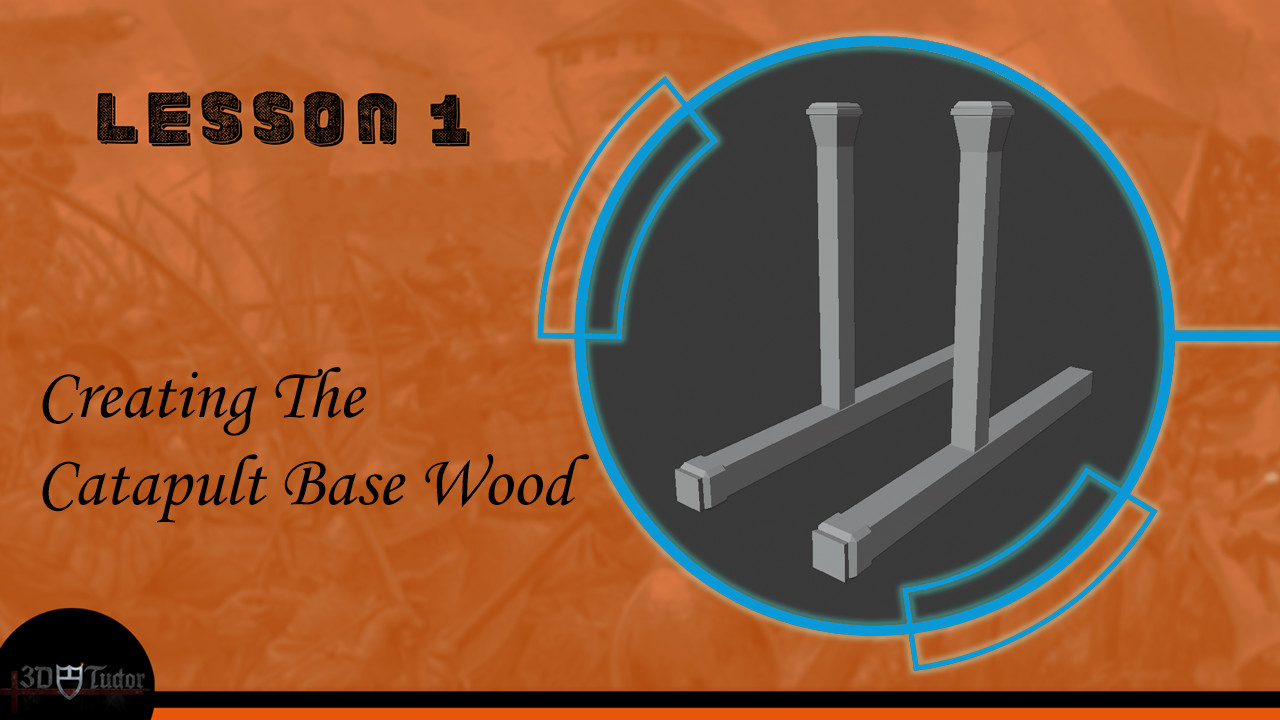
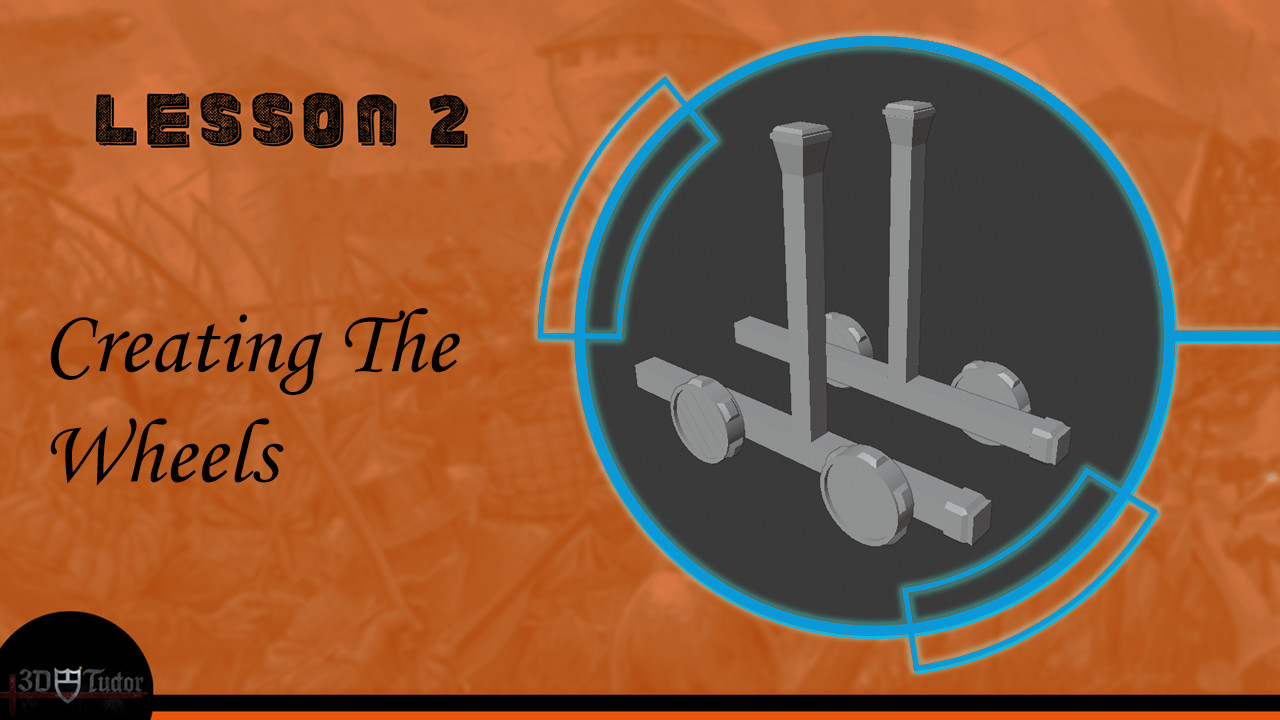
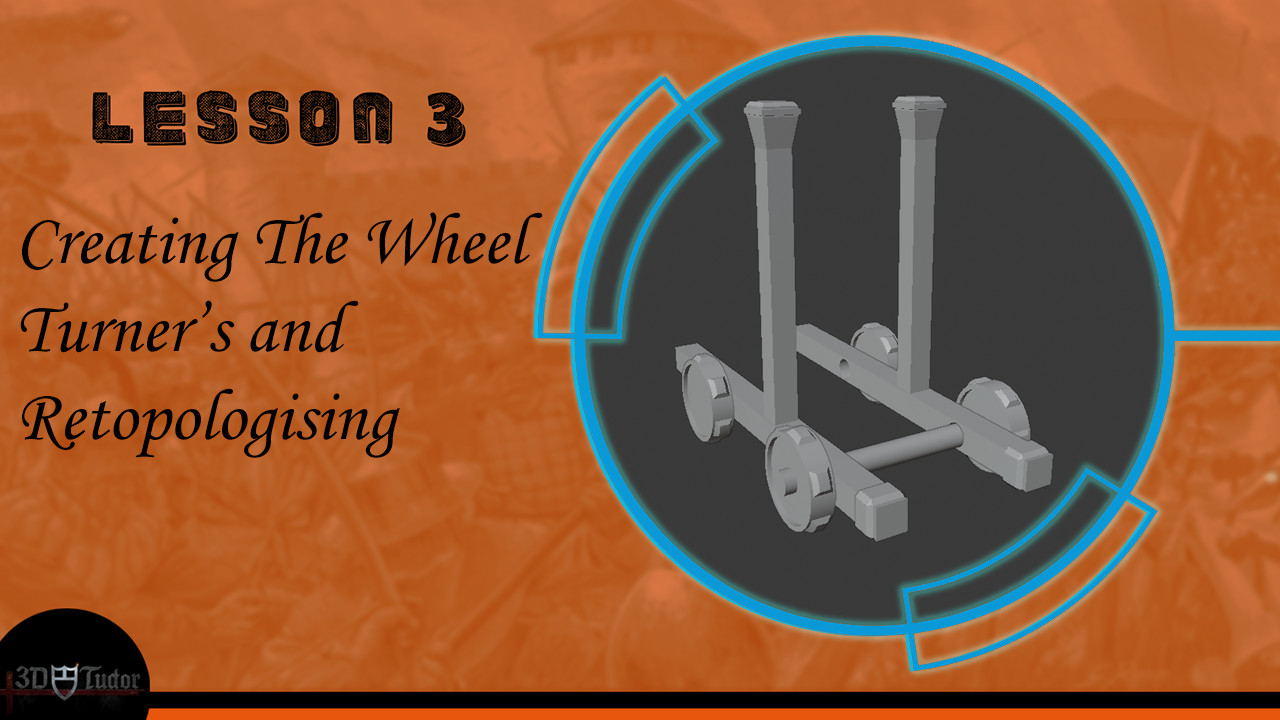
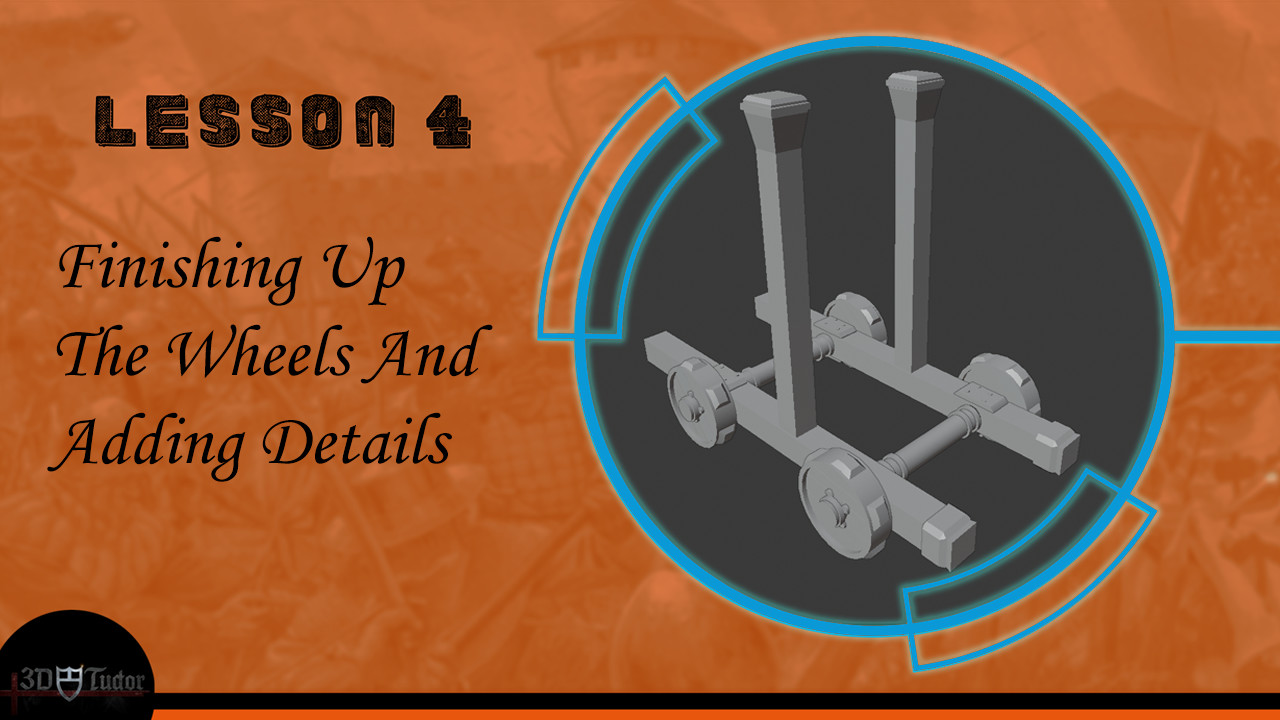
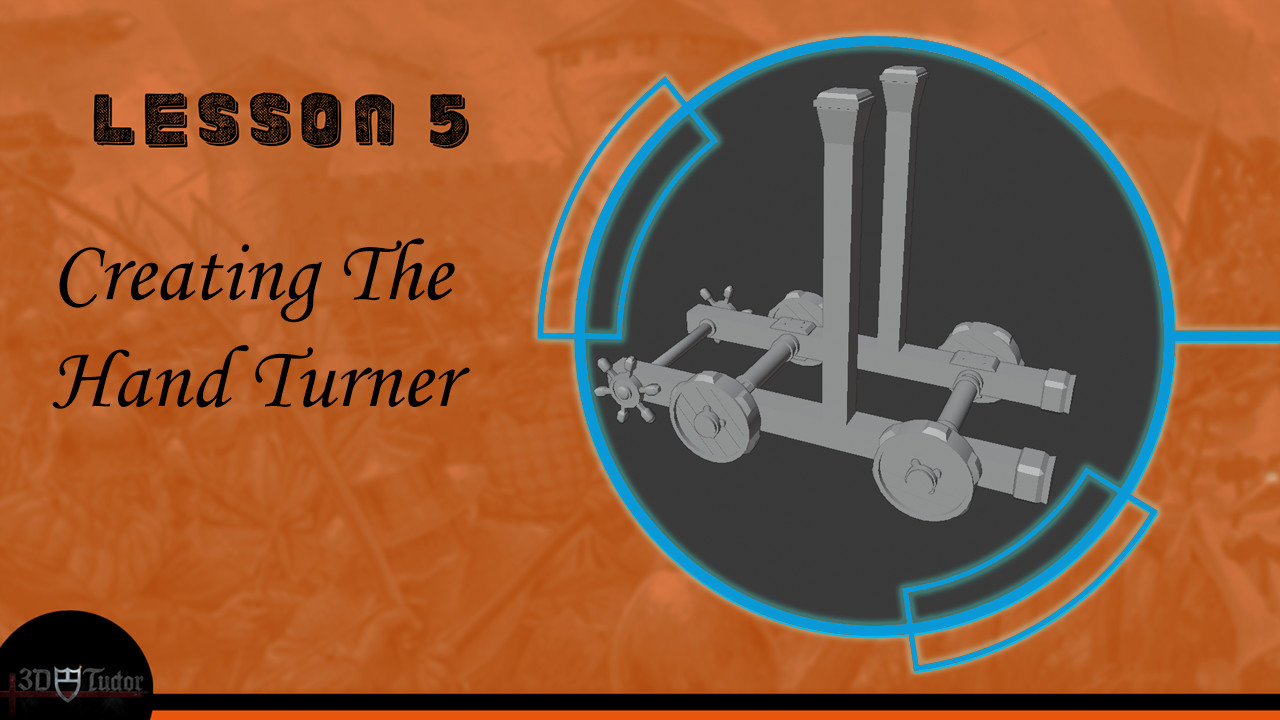
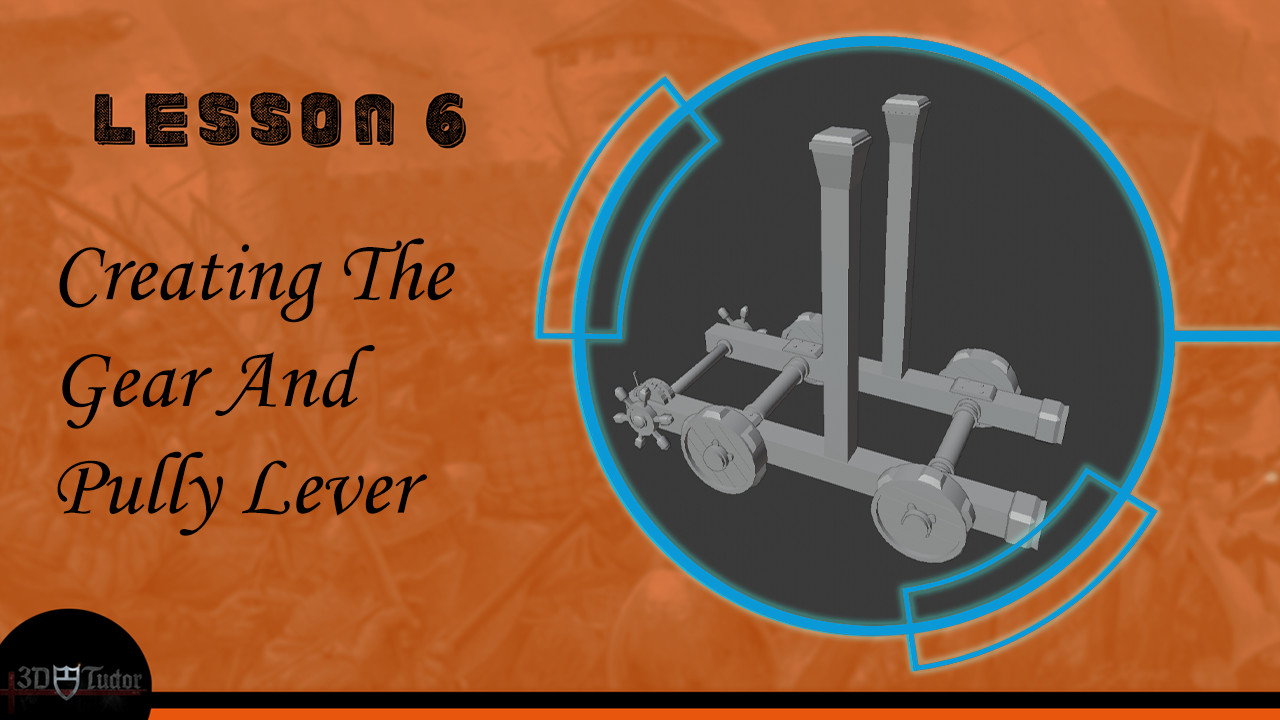
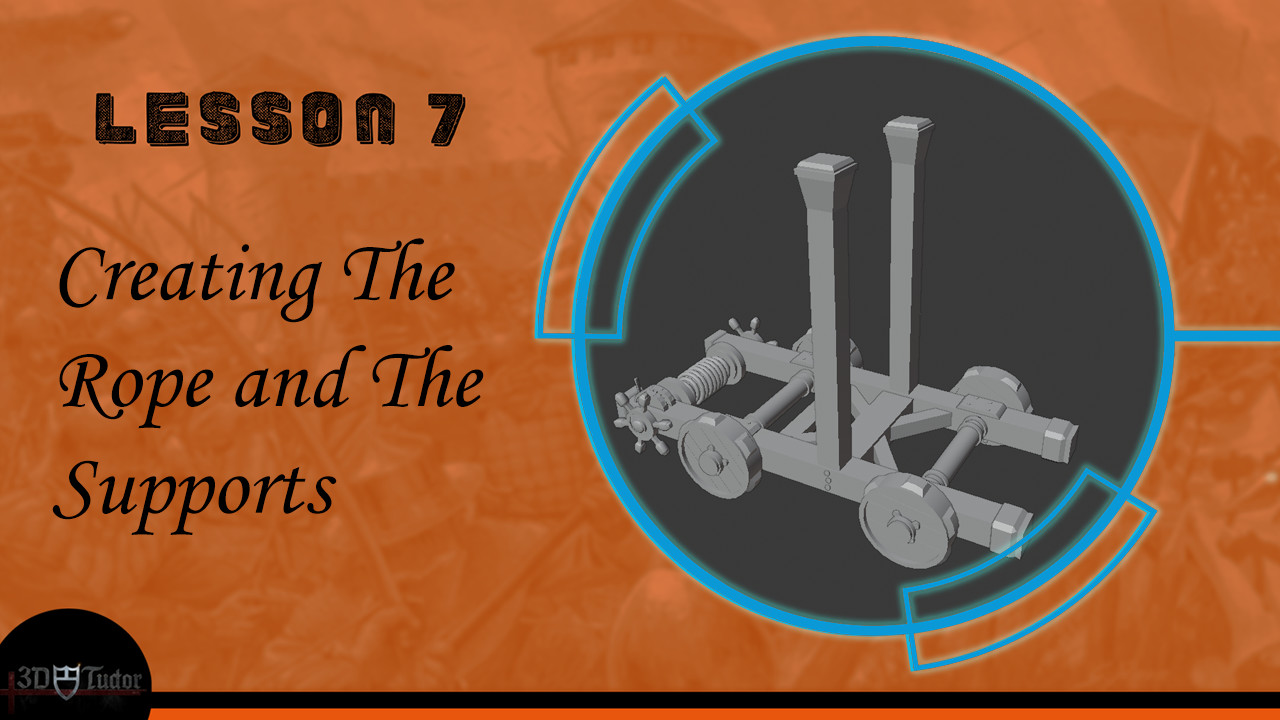
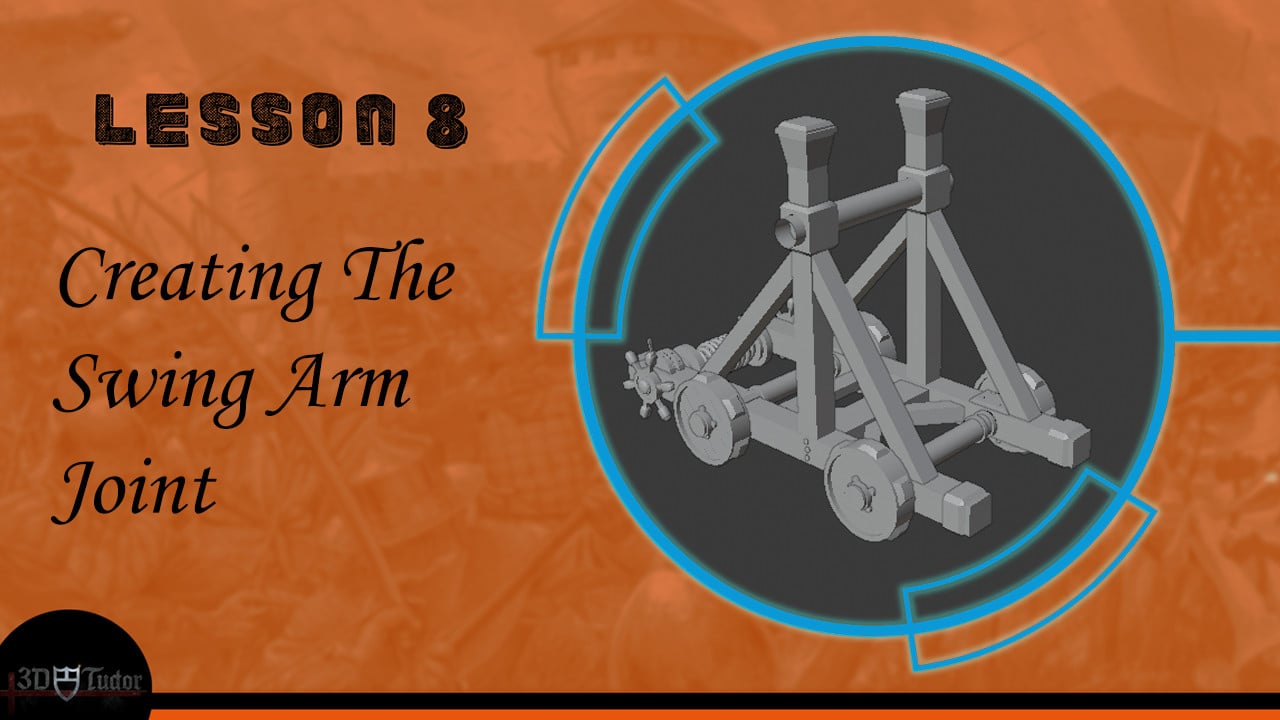
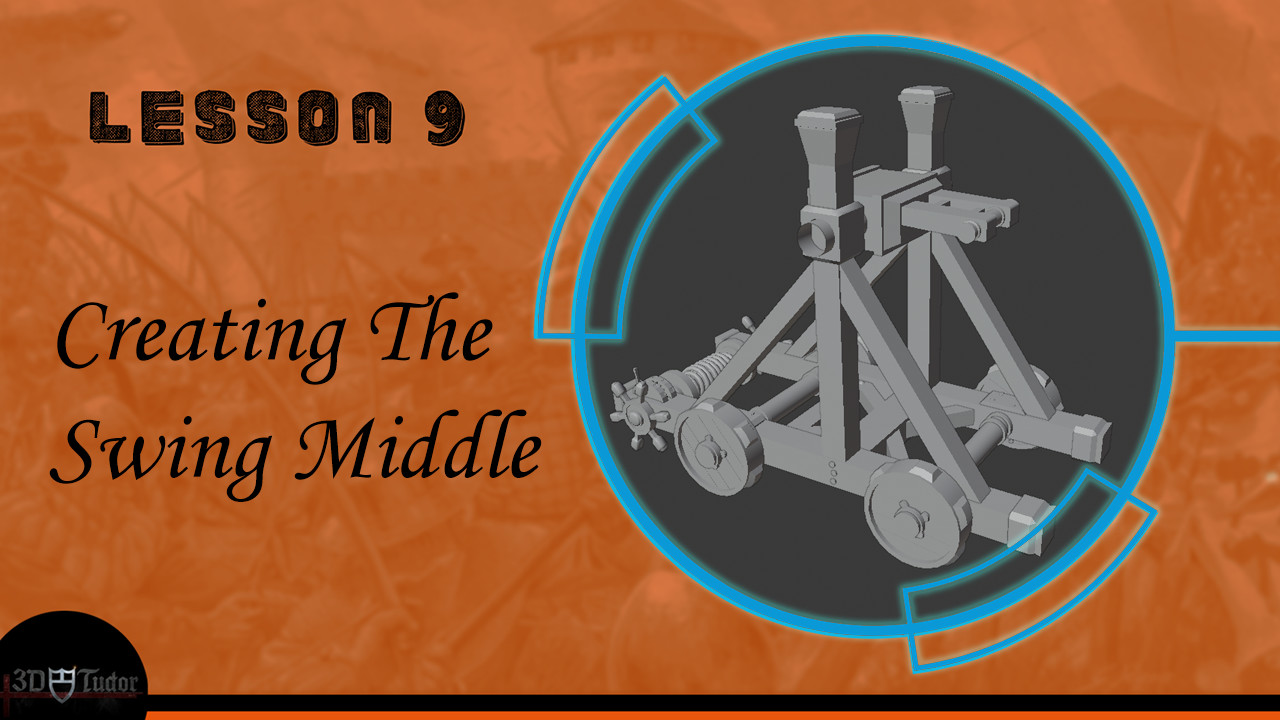
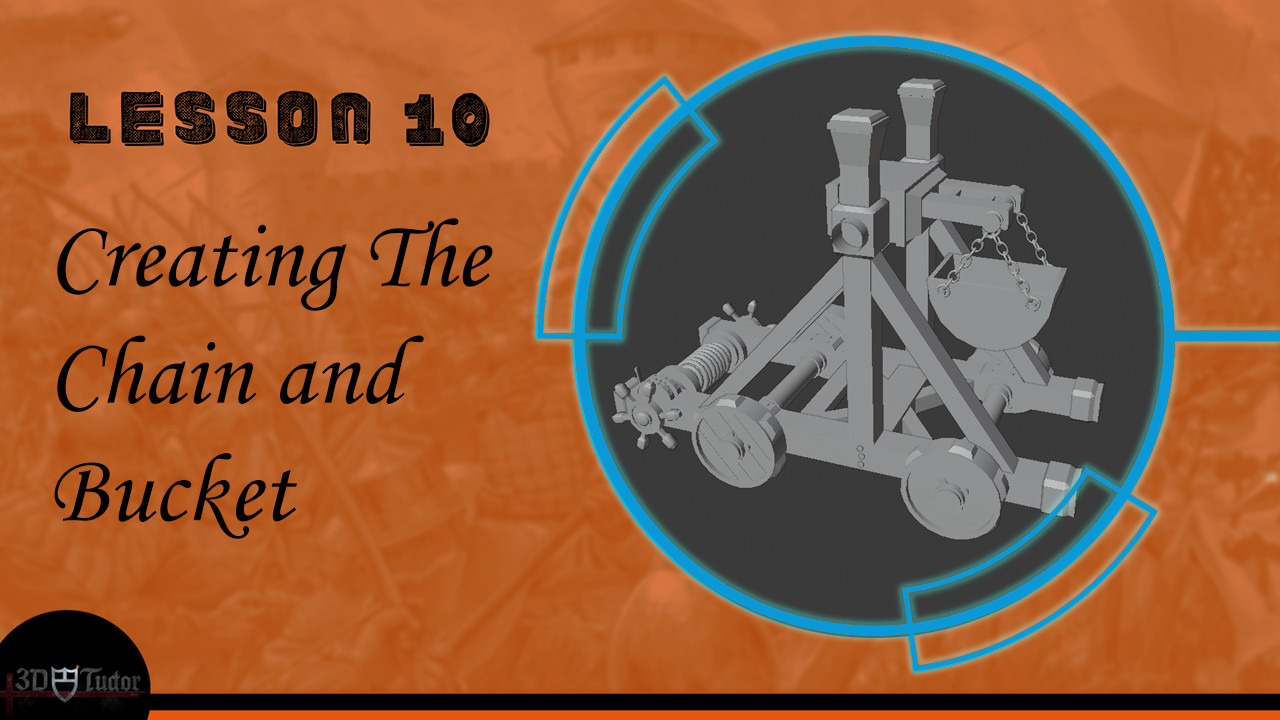
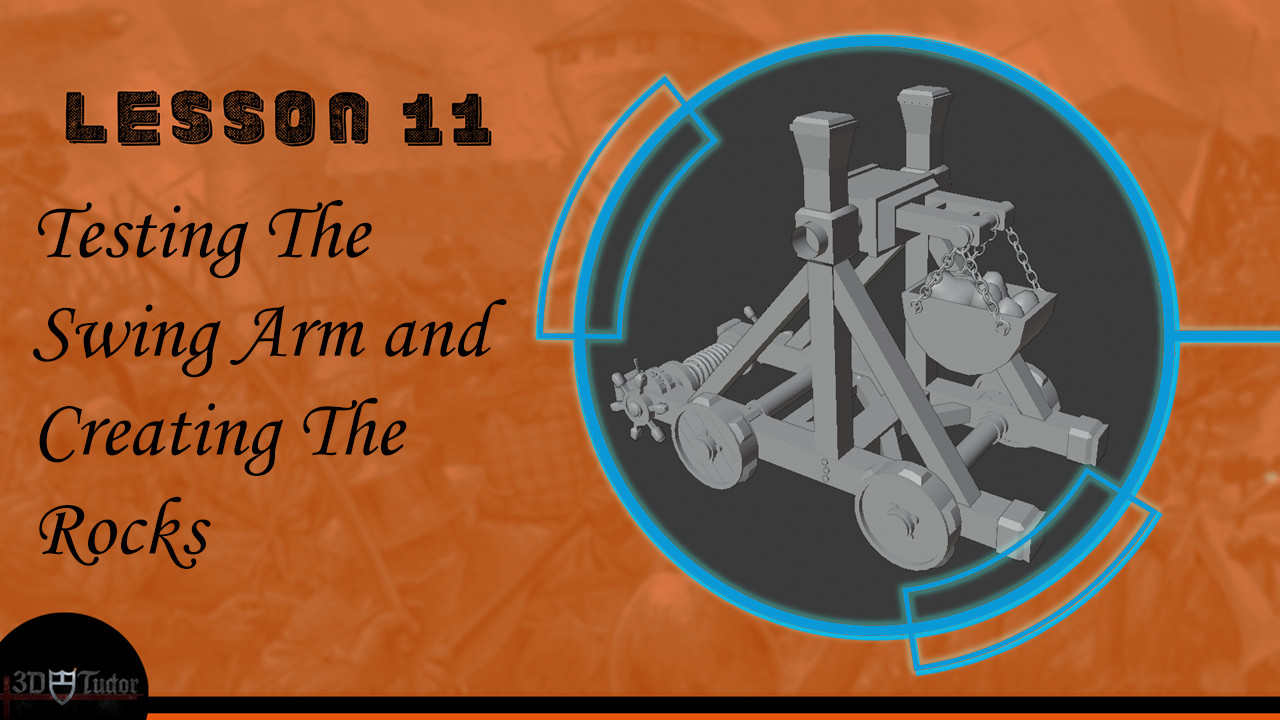
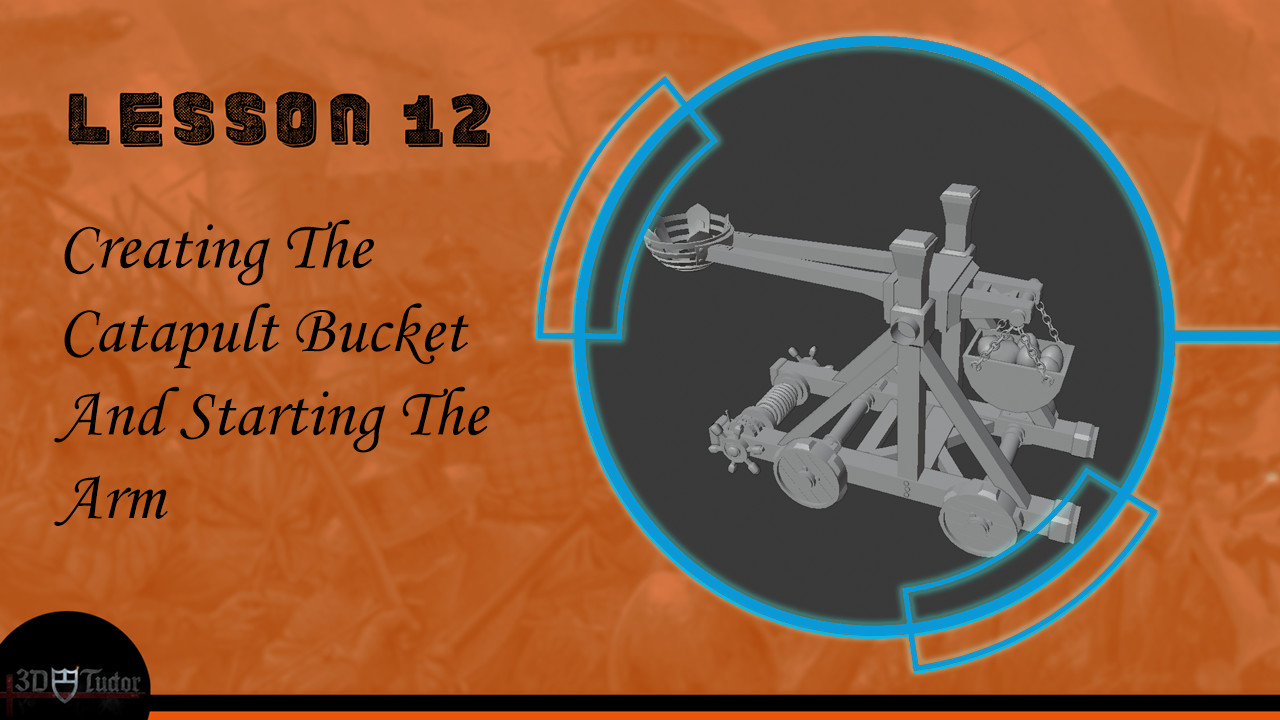
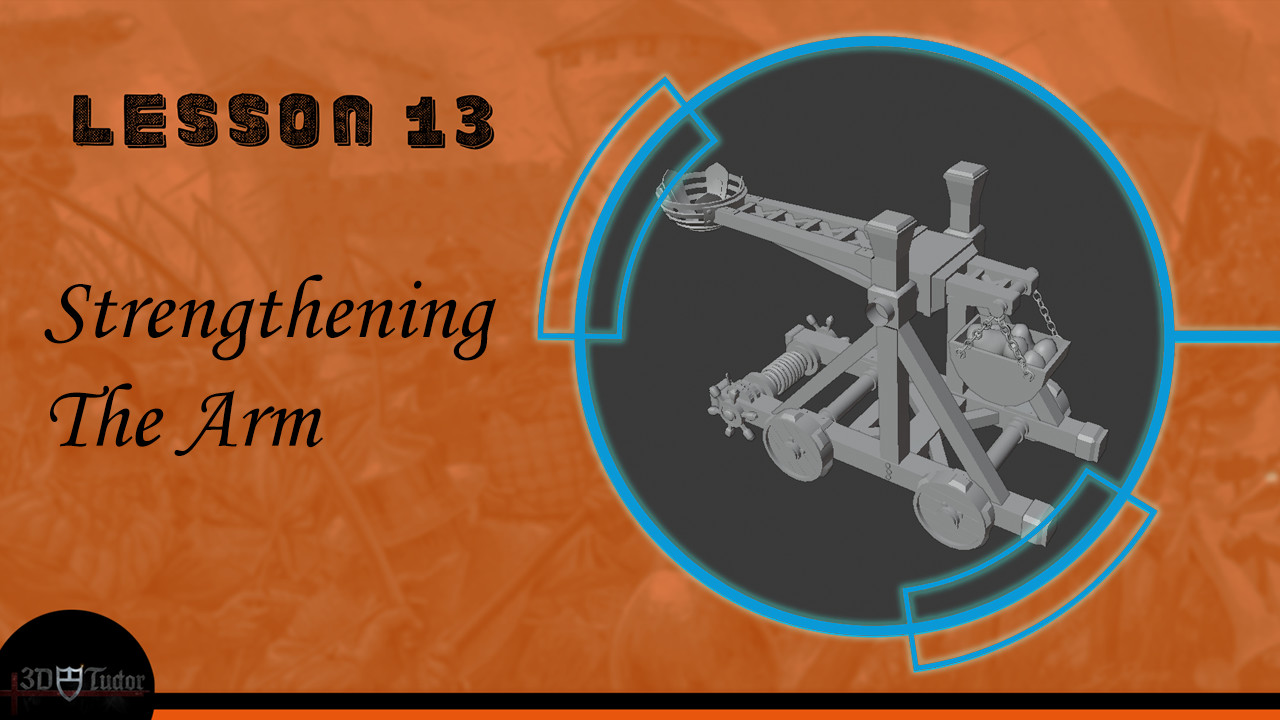
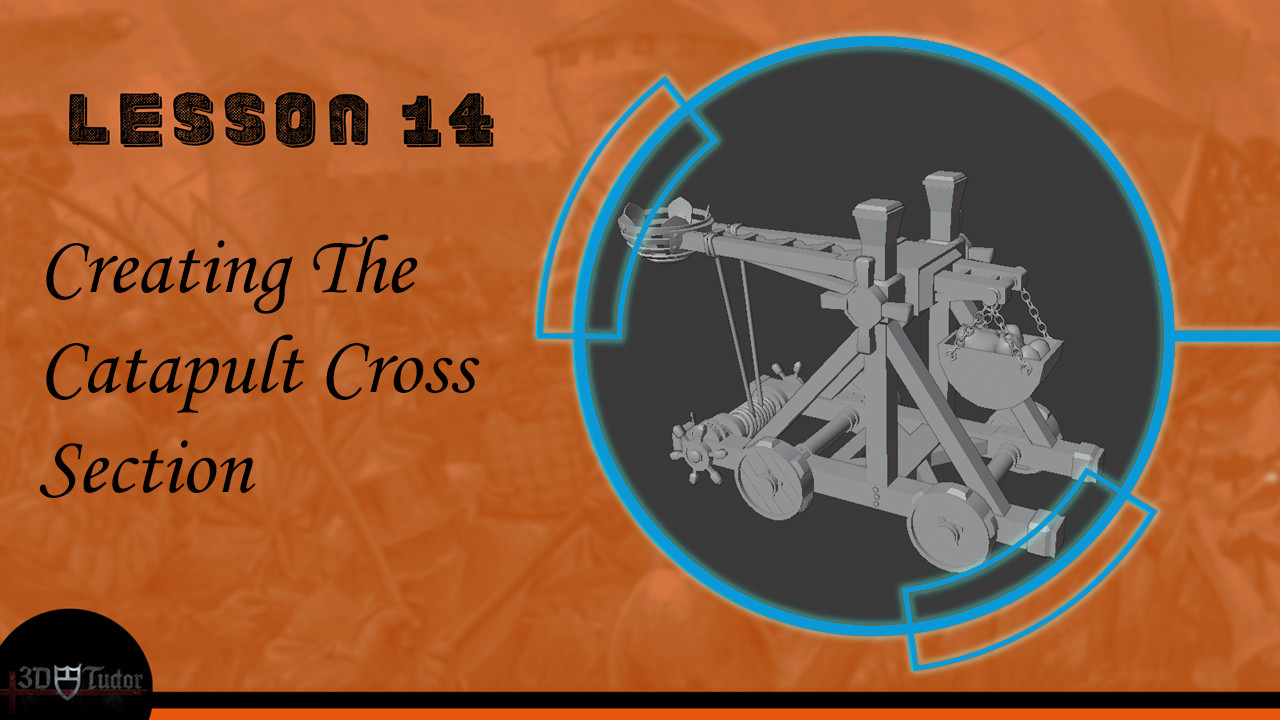
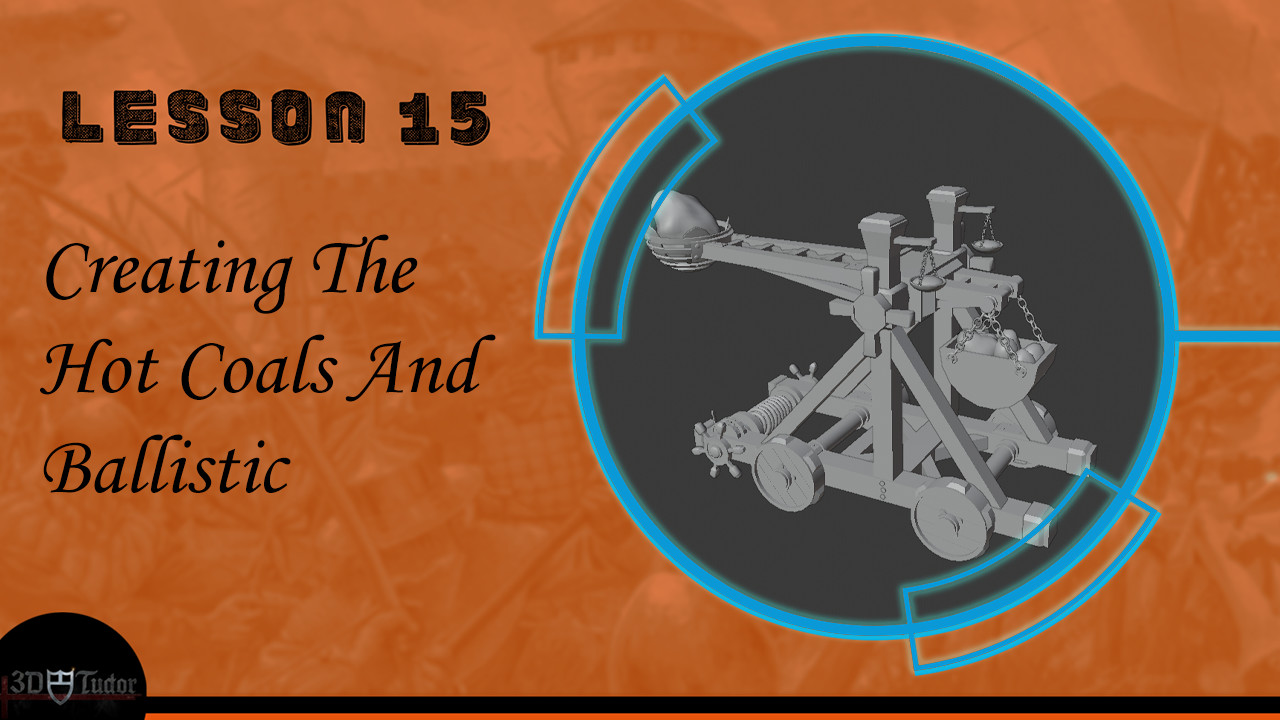
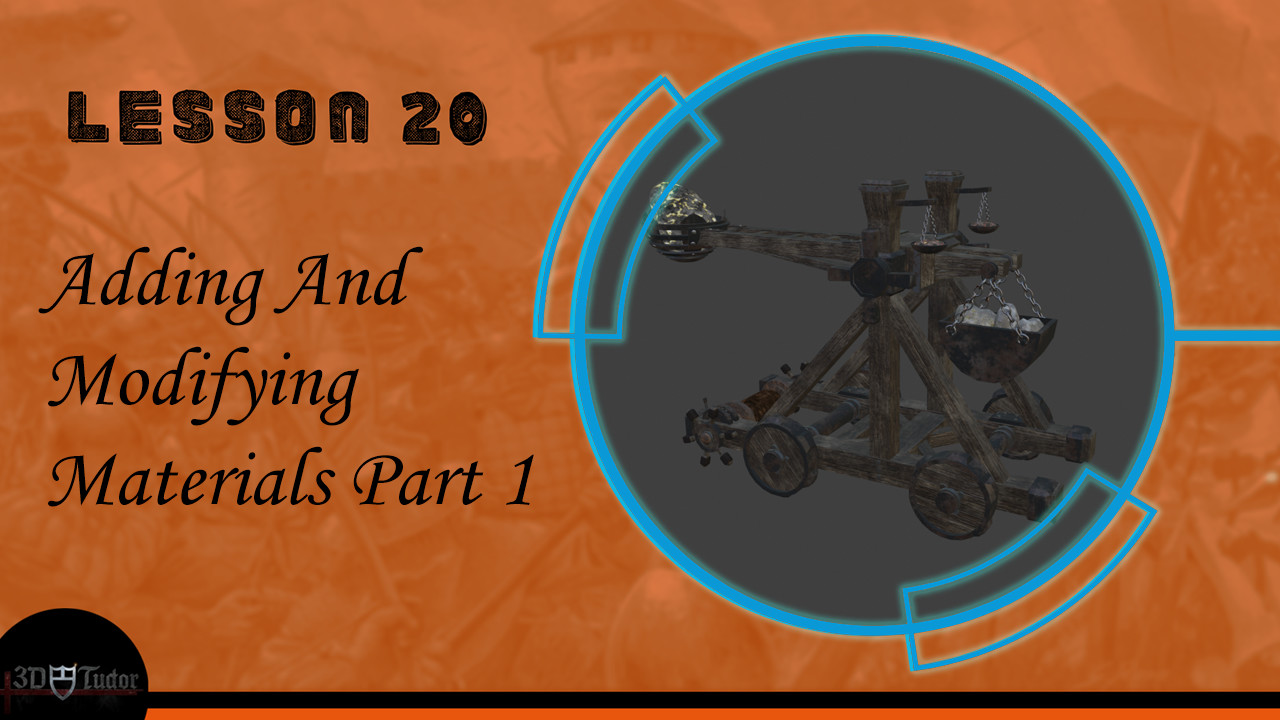
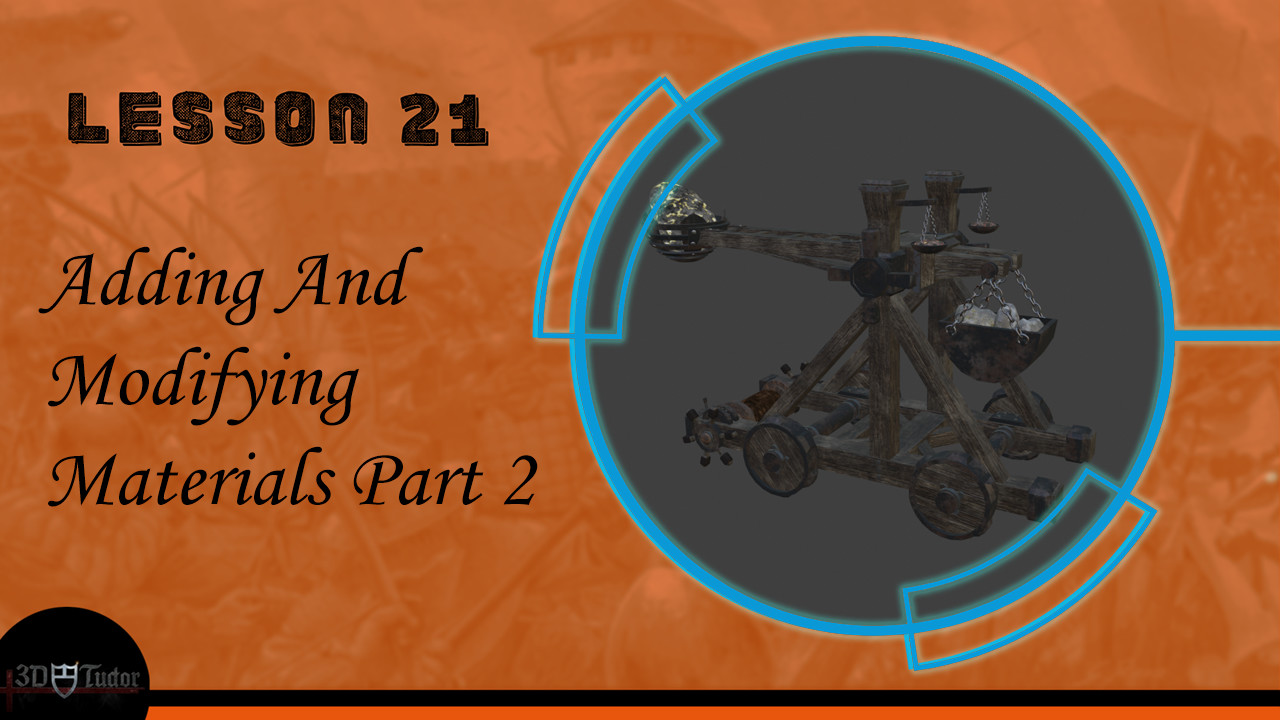
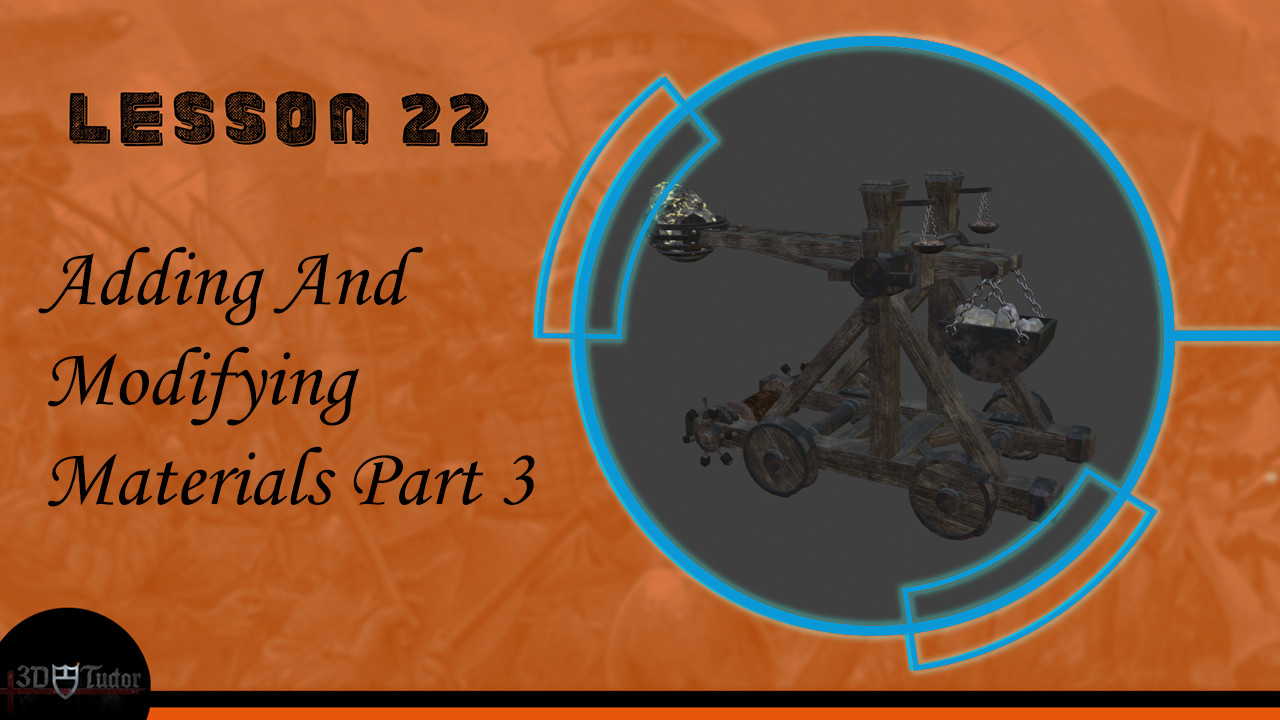
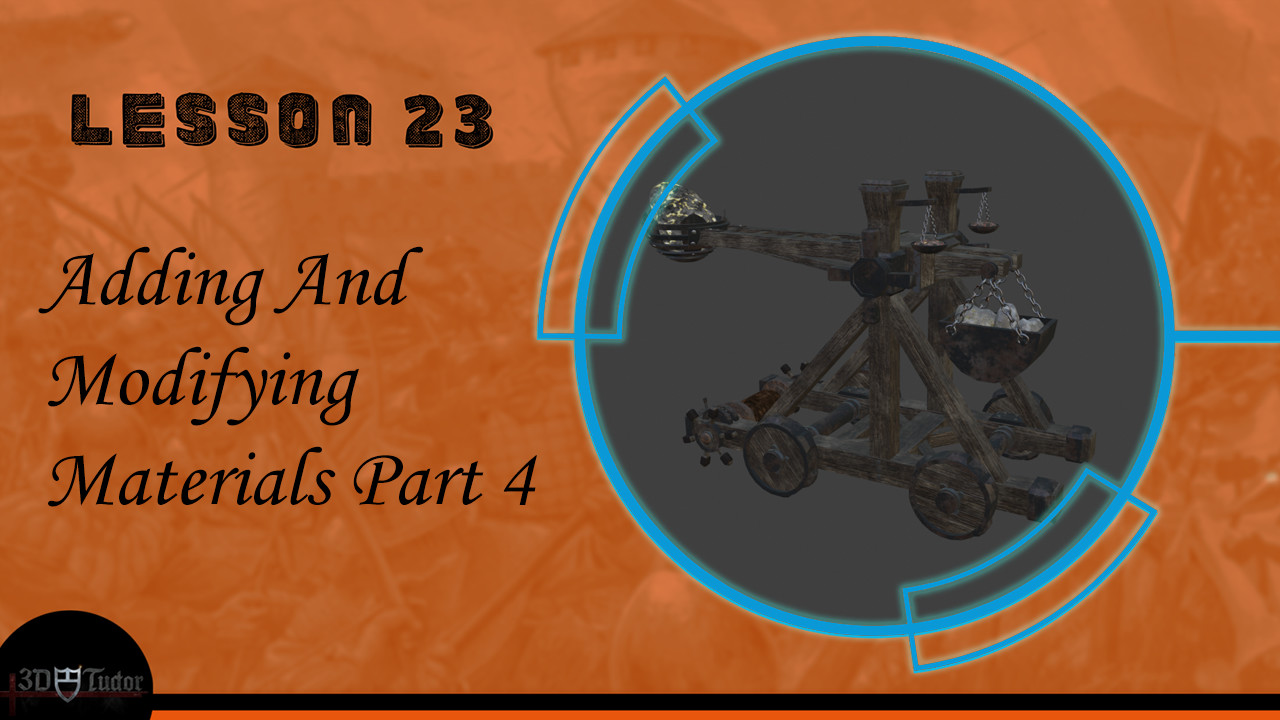
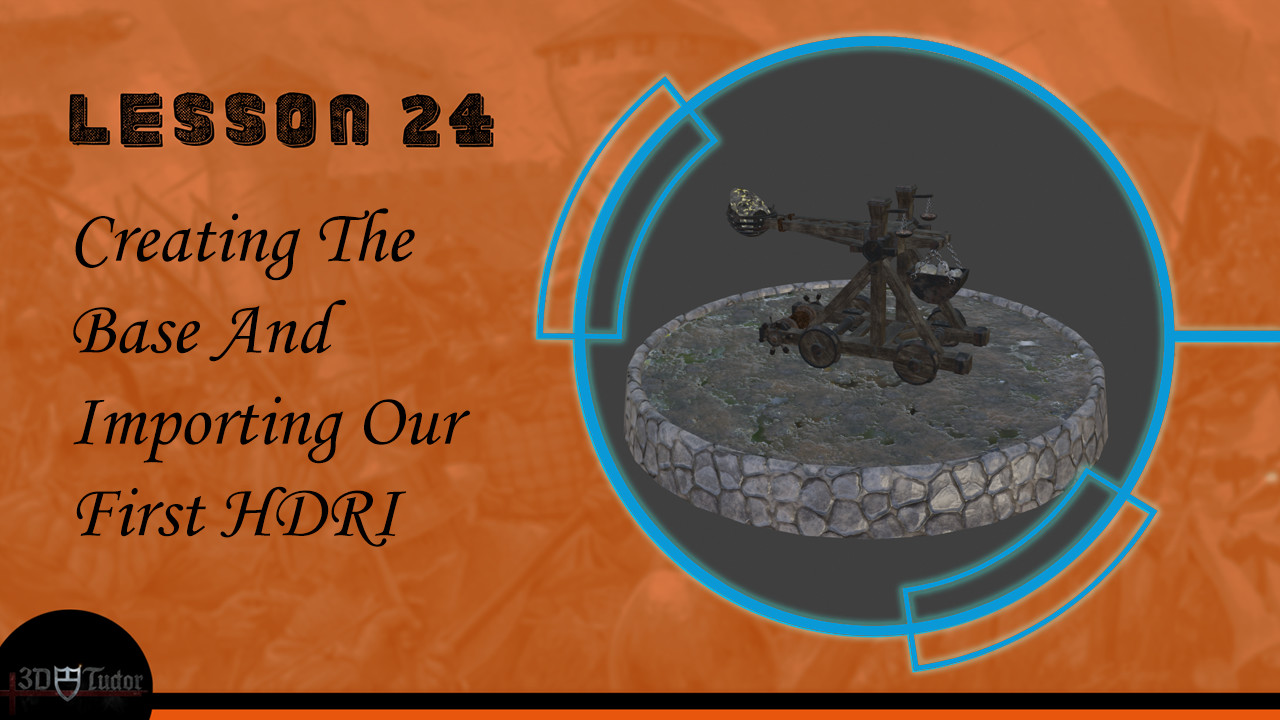
We will be creating a medieval catapult – the ultimate war-time machinery for ultimate casualty numbers. You will be familiar with those from your war simulation games, and this course will help you recreate this engineering masterpiece on your own. We will be creating a fully functioning medieval catapult, including the bolts and beams needed for everything to work in a hyper-realistic way. As this is part of my Blender 2.8 courses, we will be going through all the new shortcuts to model, texture, animate, and simulate a model. Advanced modelling techniques are included in this course.
Texturing
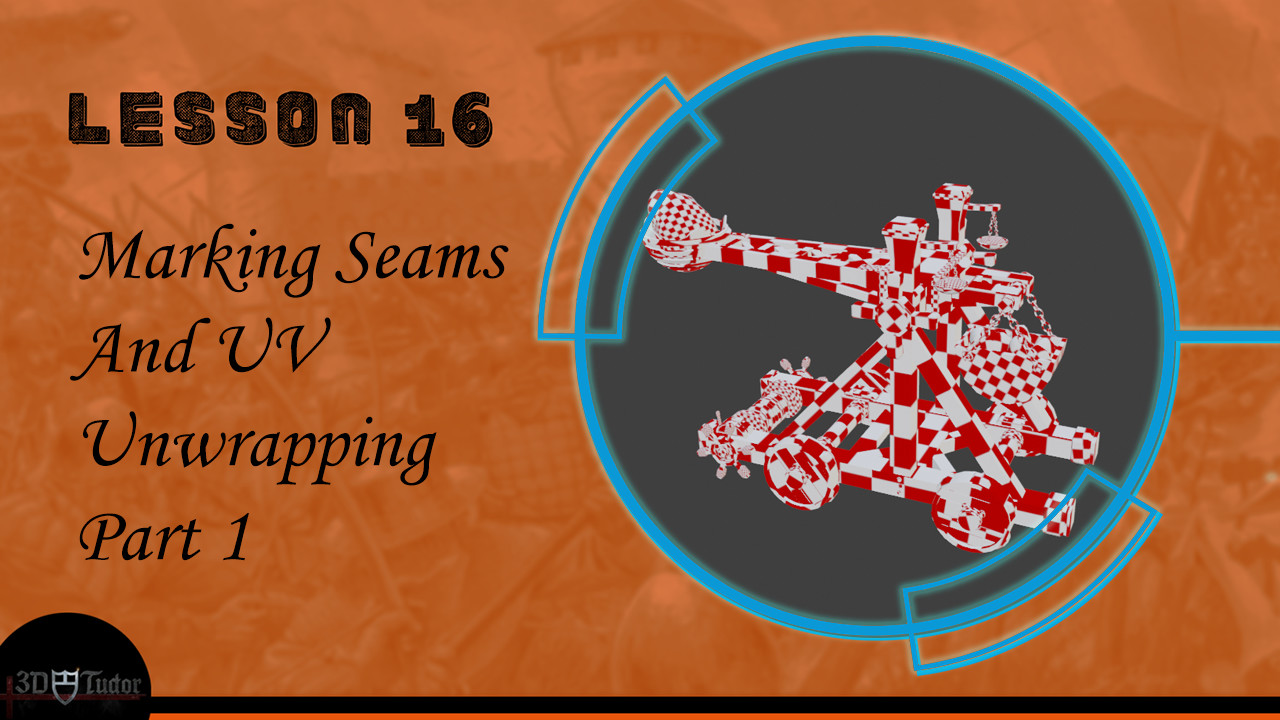
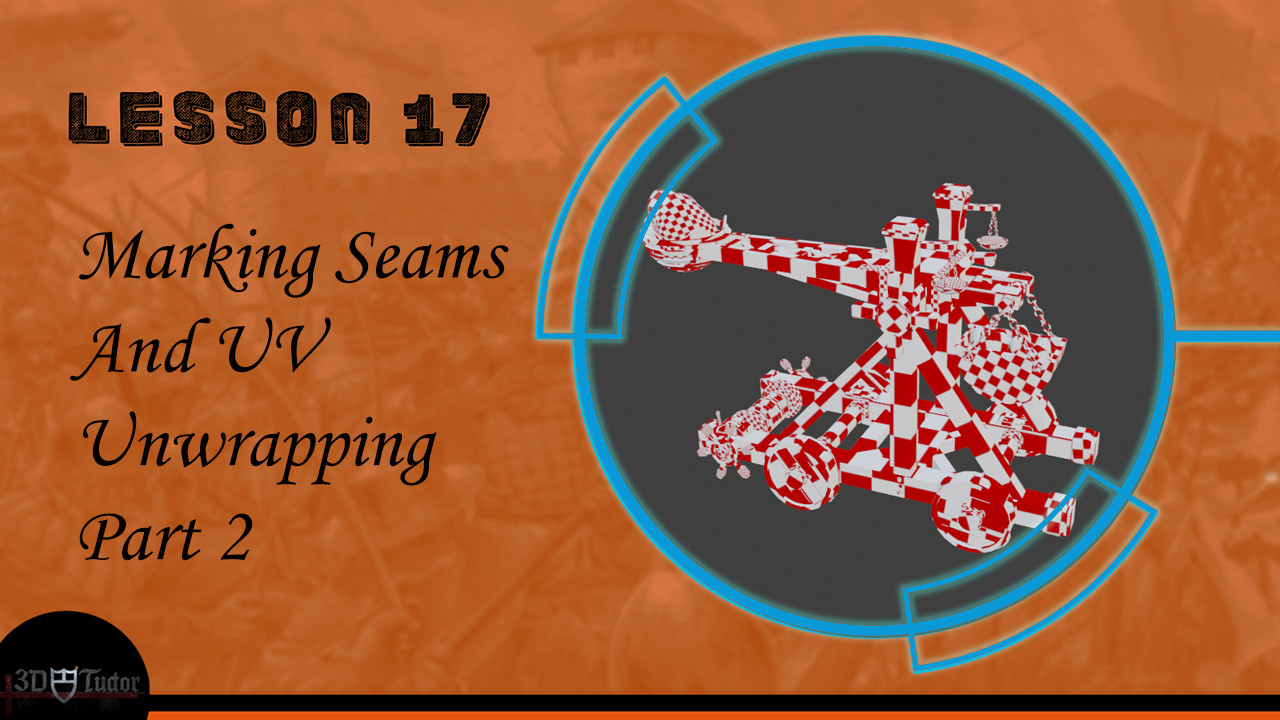
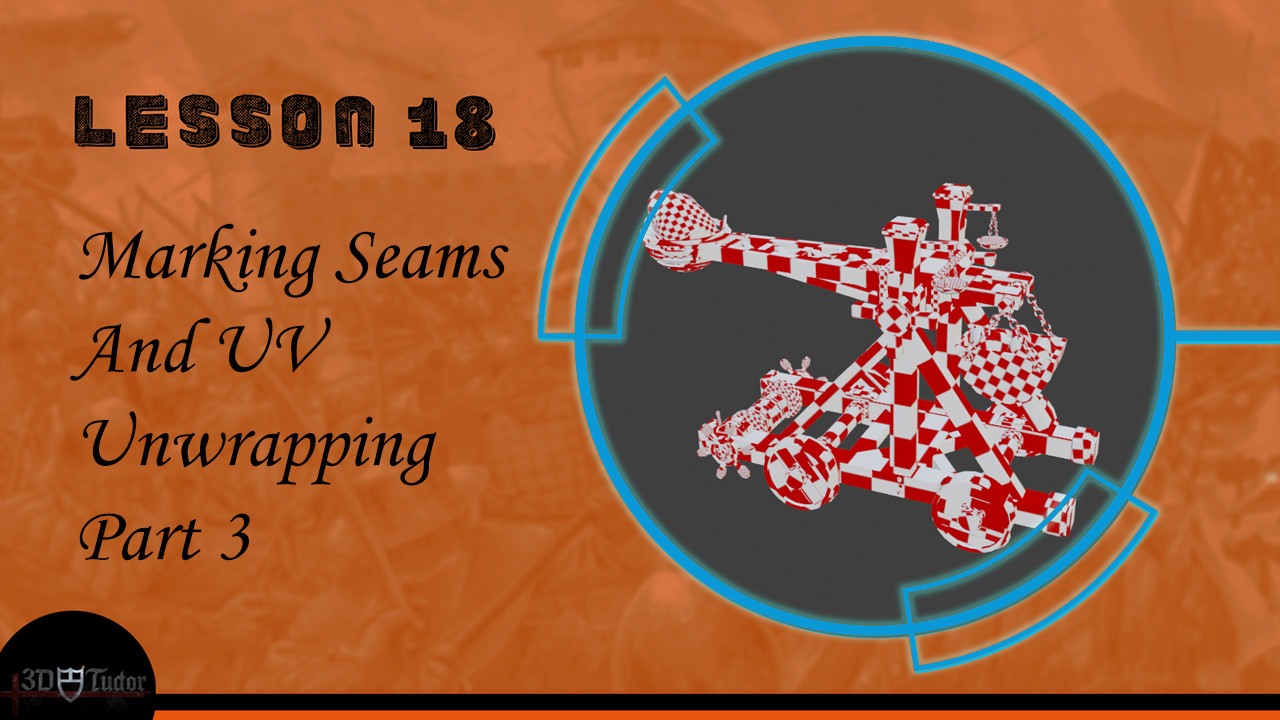
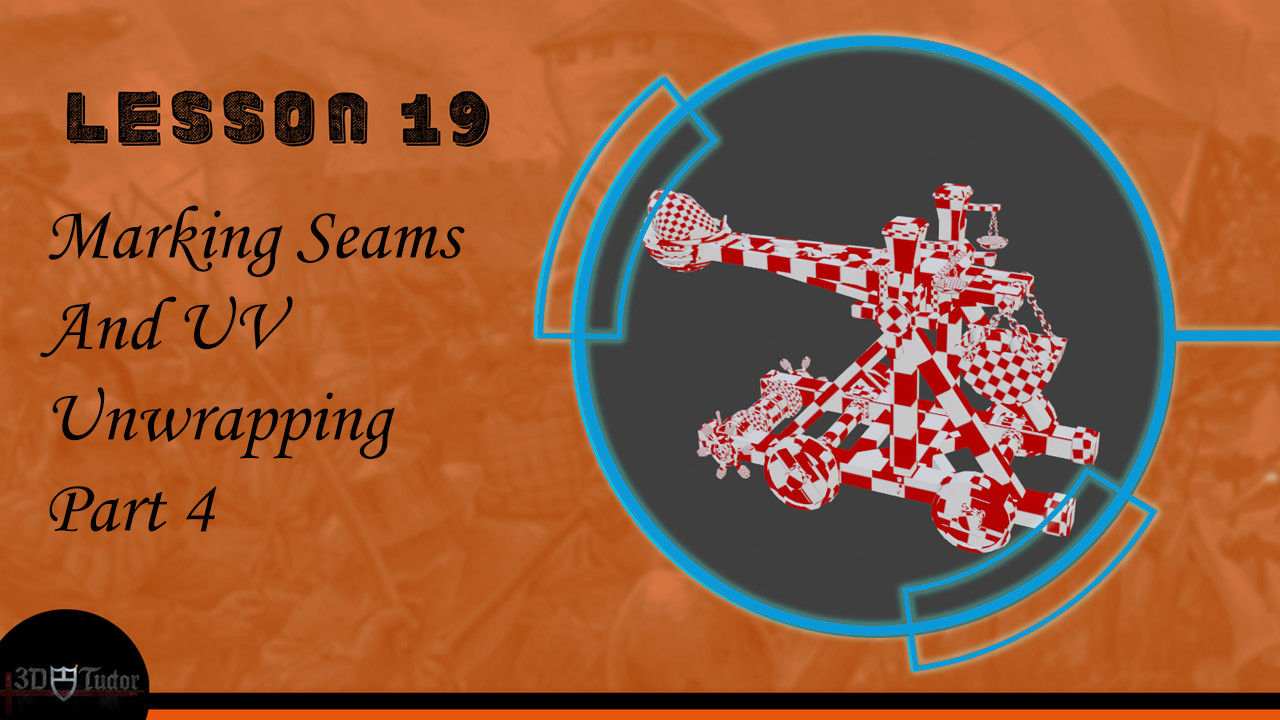
Texturing is perhaps the most important part of any 3D model. I will show you the most efficient and quickest ways of preparing a mesh for adding materials. We will be going over how to mark seems, how to correct texture resolutions, and how to UV unwrap. All these course components would be a course in their own right, so by enrolling, you will be able to develop your skills in a multi-faceted way. To save time on your usual trial and error process, I will show you the right and wrong way of doing this to fully prepare you and give you the skills to clean a 3D model mesh to industry standard.
Freebies
You will be glad to know that this course comes with a library of resources that you are free to download and reuse in your other projects, or in the catapult project you upload as part of this course. I created all these textures and resources using Substance Designer, all custom made, specifically for this course.
Bones
This course will show you basic to intermediate skills of animating using Blender 2.8 software. We will be completing a complete armature from scratch, and you will learn how to place bones to help you make animating feel like a breeze. Using the techniques I will teach you, you will be able to export your animations into game engines like Unreal Engine 4 (UE4) and Unity. To help you keep up with the course progress, we will break down parts of the armature creation process, and I will show you how to organize everything efficiently.
Animation
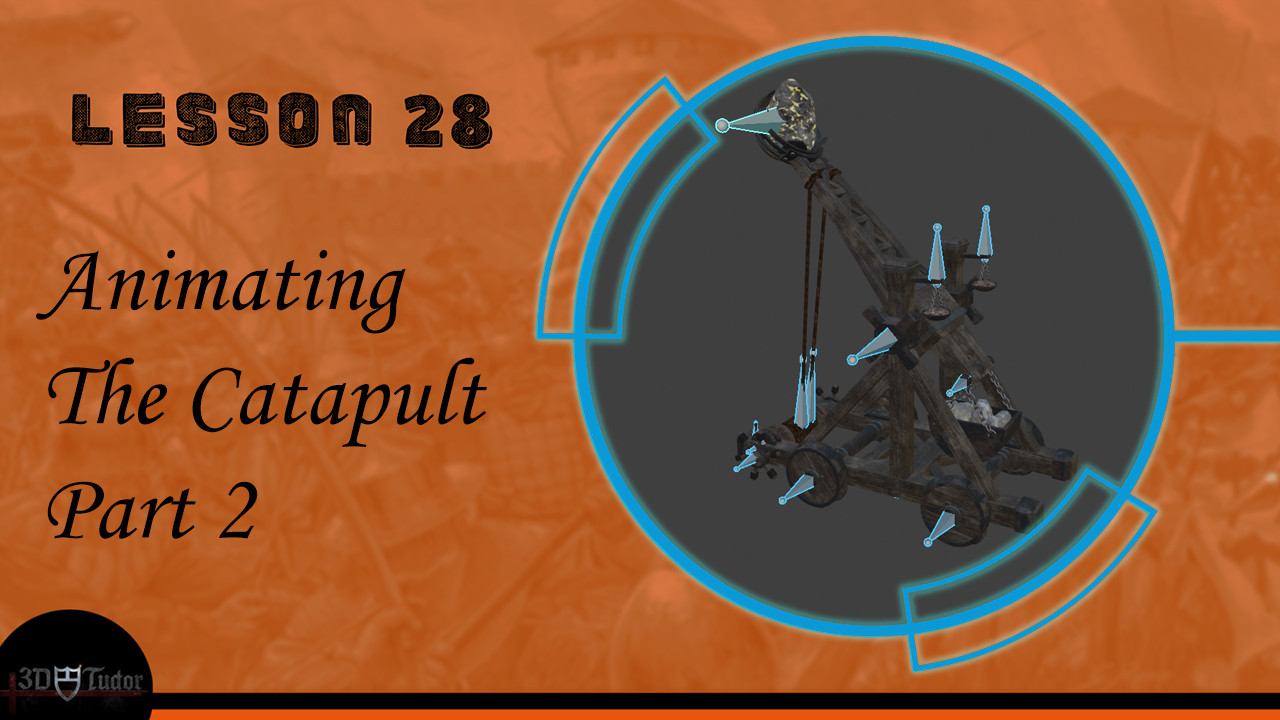
Have you ever wanted to learn how to build a full animation cycle? The learning outcomes of this course include creating a complete animation cycle in Blender 2.8. As part of animating this medieval catapult, we will be working on making its propelling motion realistic, working hard to make each individual component move in a hyper-real way. You can apply these skills to any animations you decide to make in the future, and I would be excited to see you upload animations of other models as part of this course project. You will also be shown how to keyframe, and advanced components of this course within a course will show to create rope where the textures change as the animation rolls.
Simulation
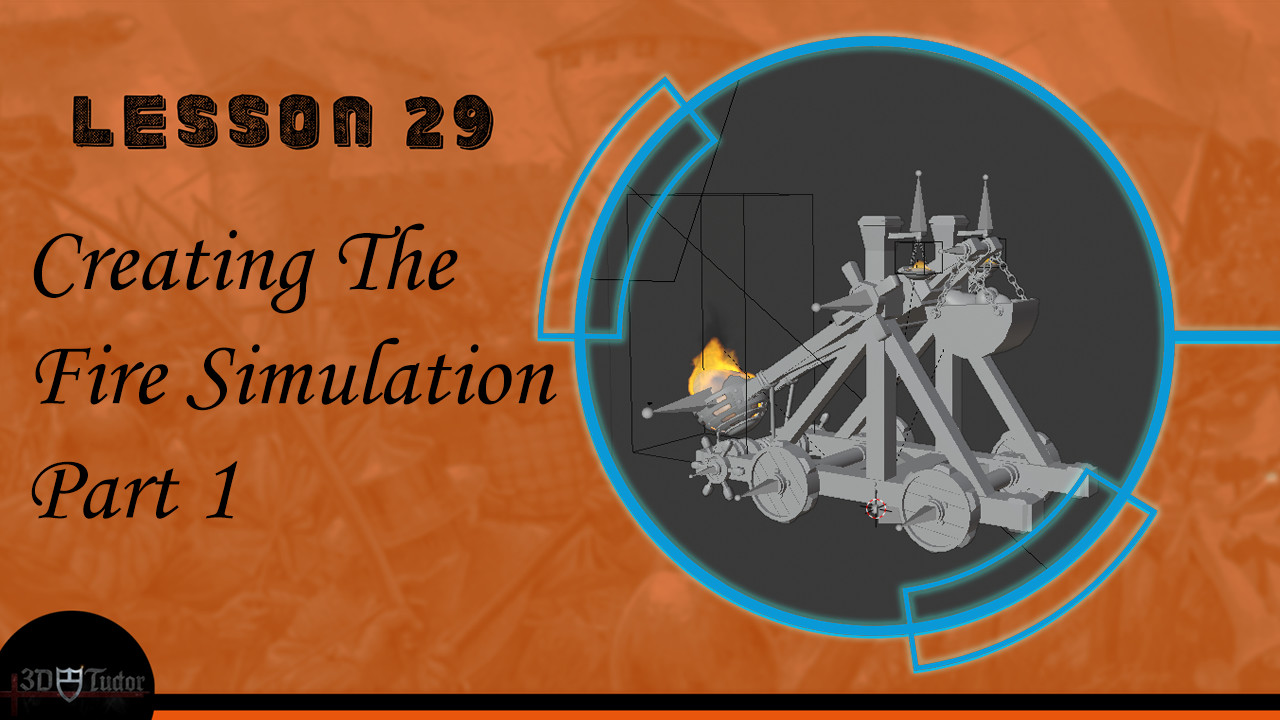
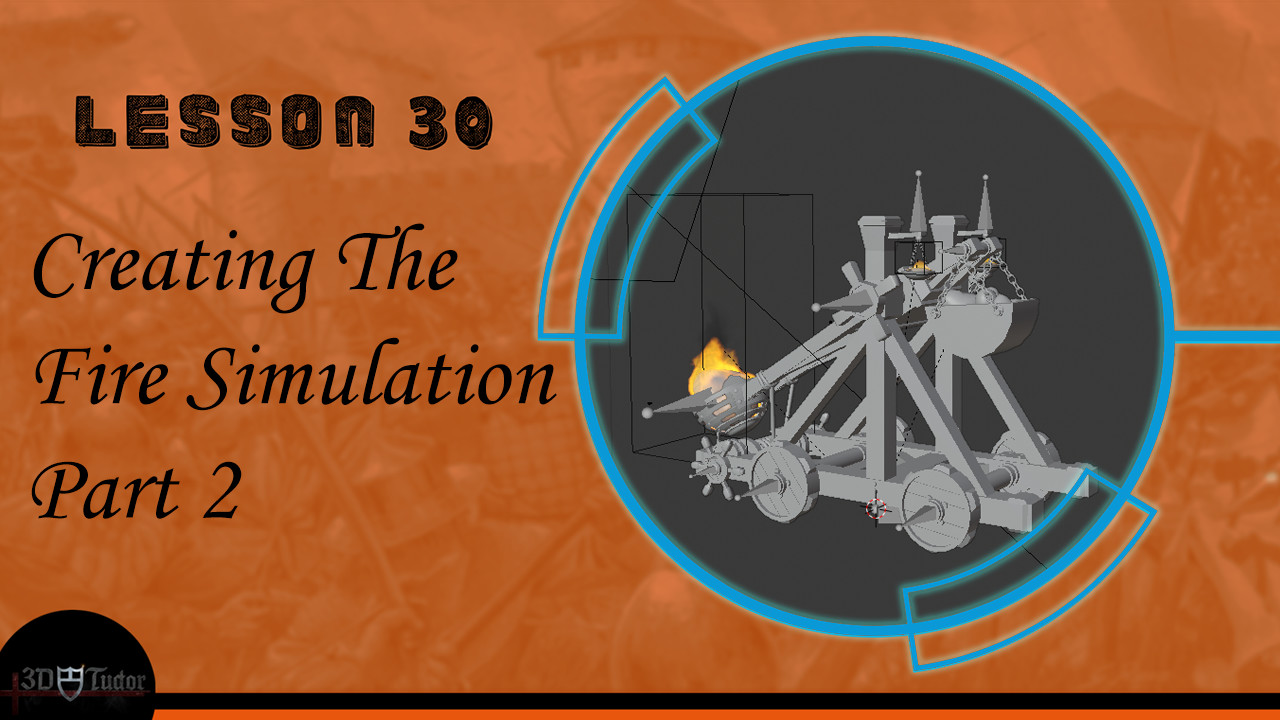
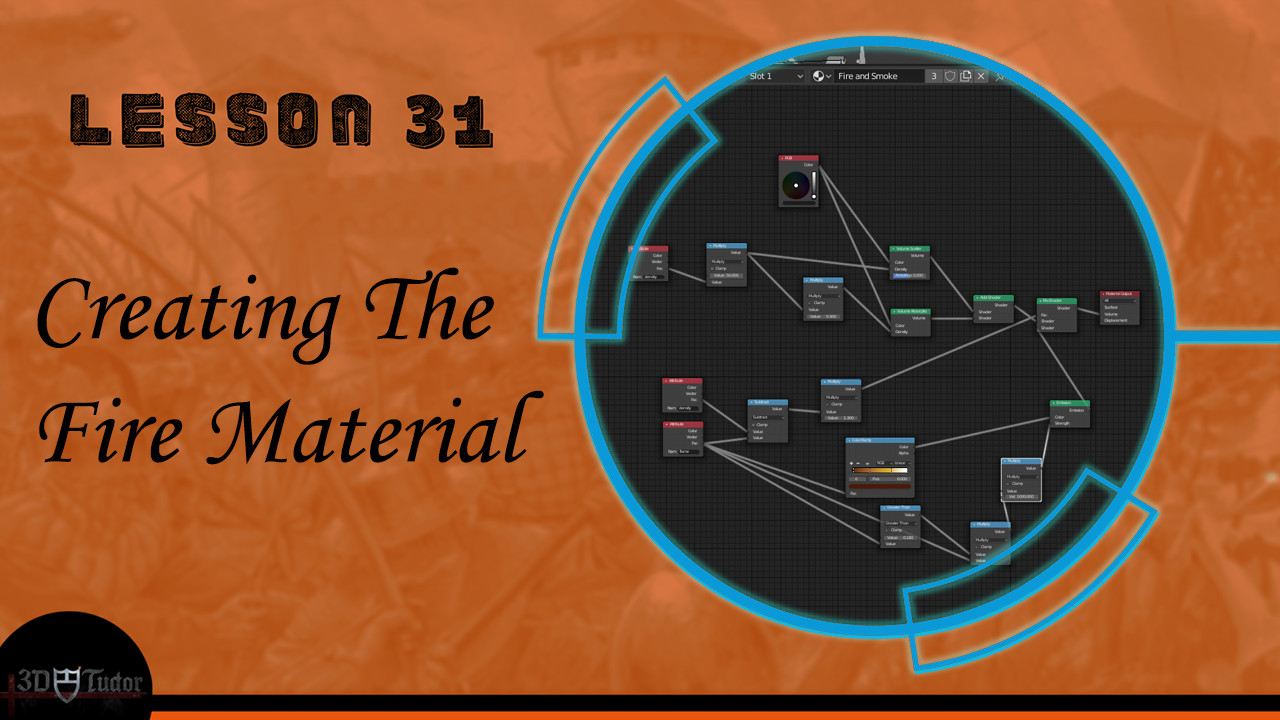
Fire is an essential component in every medieval catapult, and this course will also show you how to simulate a boulder’s flames. We will be simulating realistic fire and smoke using nothing more than Blender 2.8 to make a fully operable war machine. You will also learn how to create materials from scratch using the Blender 2.8 nodes system. We will be combining this fire simulation with your animation to create a medieval catapult model you can be proud of.
Rendering
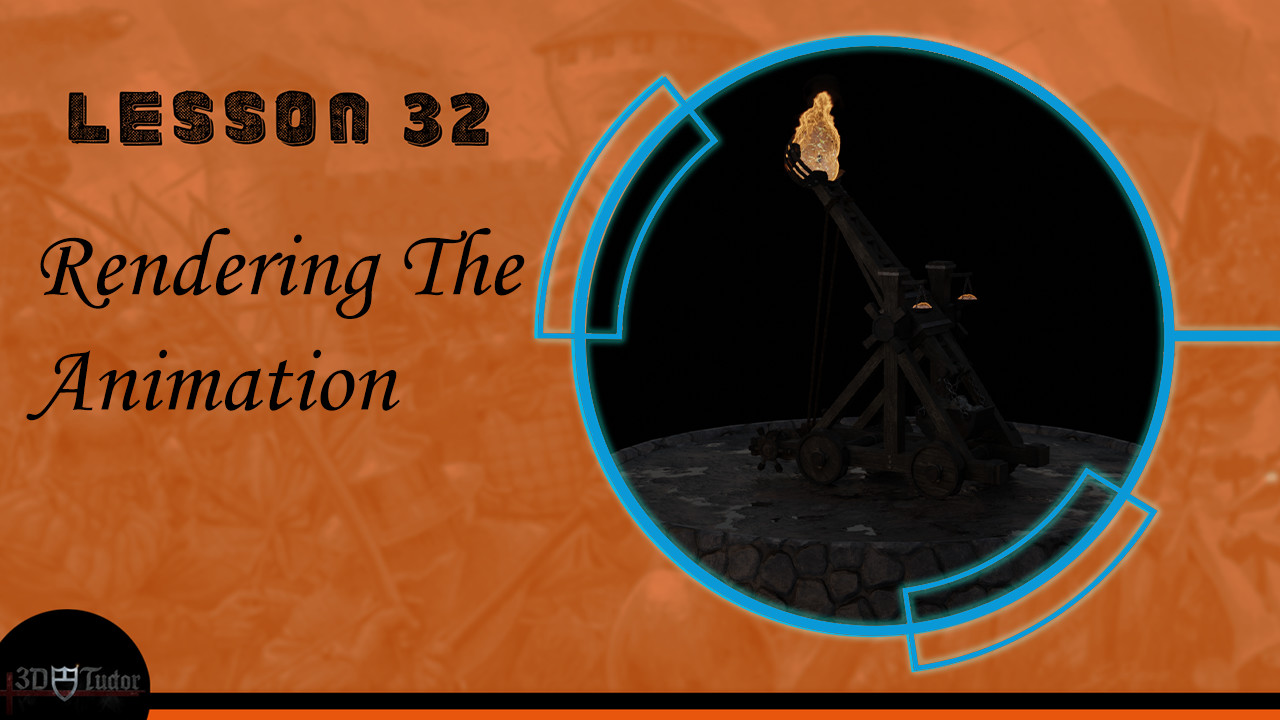
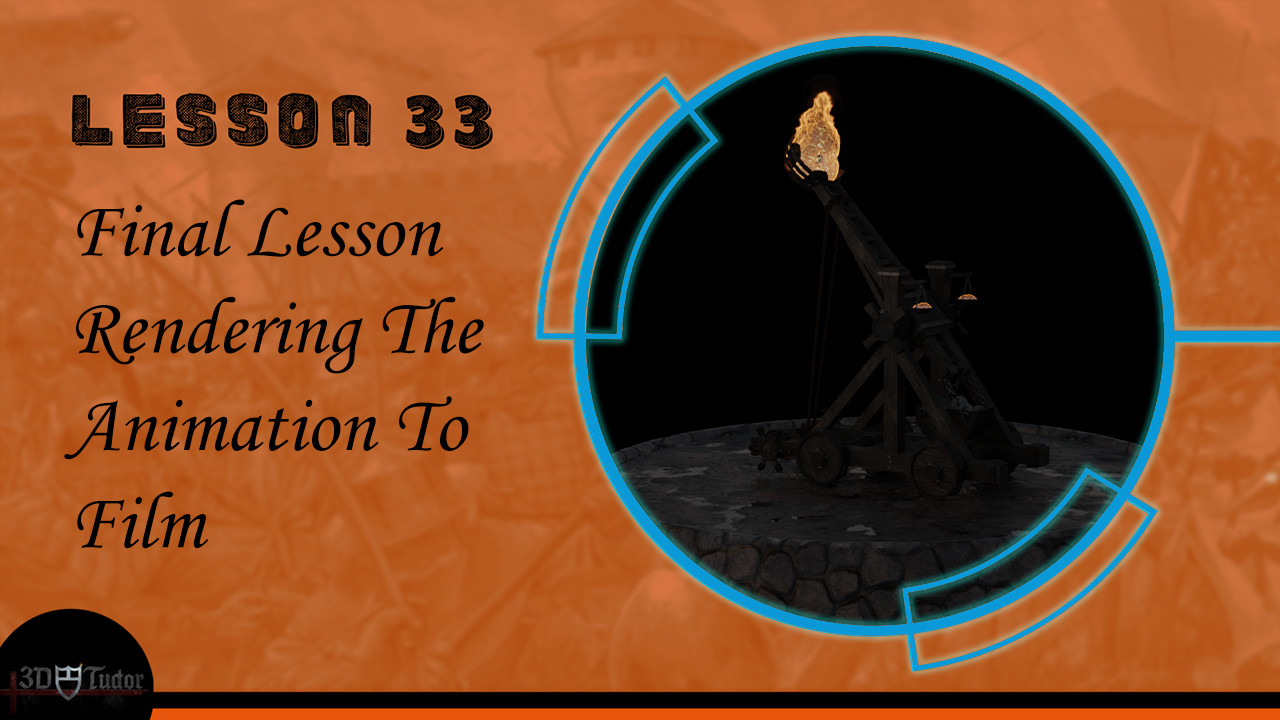
Finally, after all the preparations for making a hyper-realistic medieval catapult model, truly worthy for a gruesome battlefield, we will be rendering the animation into a short film. You will learn how to use lighting from three high-dynamic-range images (HDRIs) – also include in this course for you to use, as a freebie. We will be setting up cameras and I will be going through different techniques to help improve the quality of your renders. Our render will be set out in the Blender 2.8 video editor.
Happy modelling everyone!
Neil, 3D Tudor.