Blender to Unreal Engine 5 Course | 3D Props | Medieval Gallows
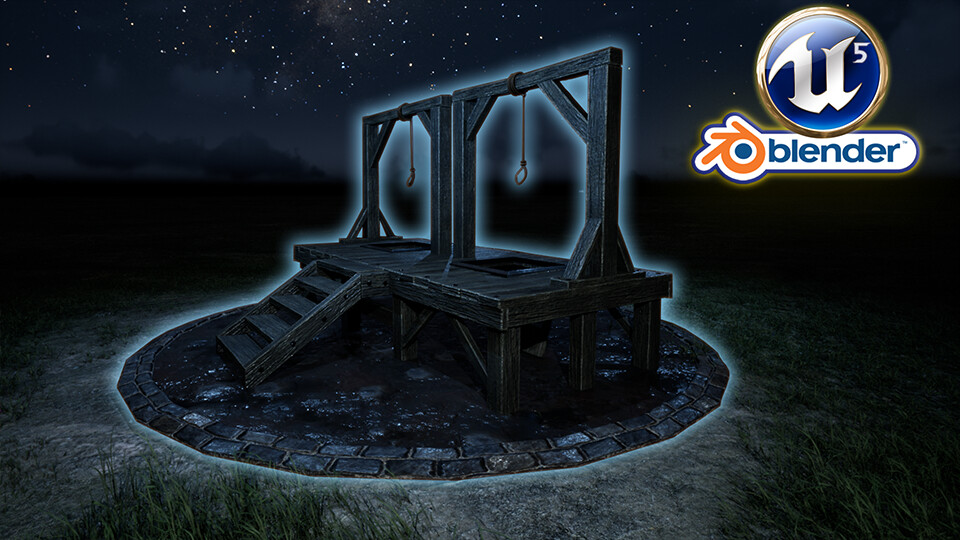
Blender to Unreal Engine 5 | Start Learning Now! 3D Props | Medieval Gallows
Course Description
Would you like to learn how to model and animate a set of three medieval 3D AAA game assets?
Now, what if I told you I have a course to start with part 1, the medieval gallows, on Artstation?
Get started with part 1 of a medieval game assets 3D modelling series coming in November!
These three courses have been streamlined to make them compact and full of knowledge.
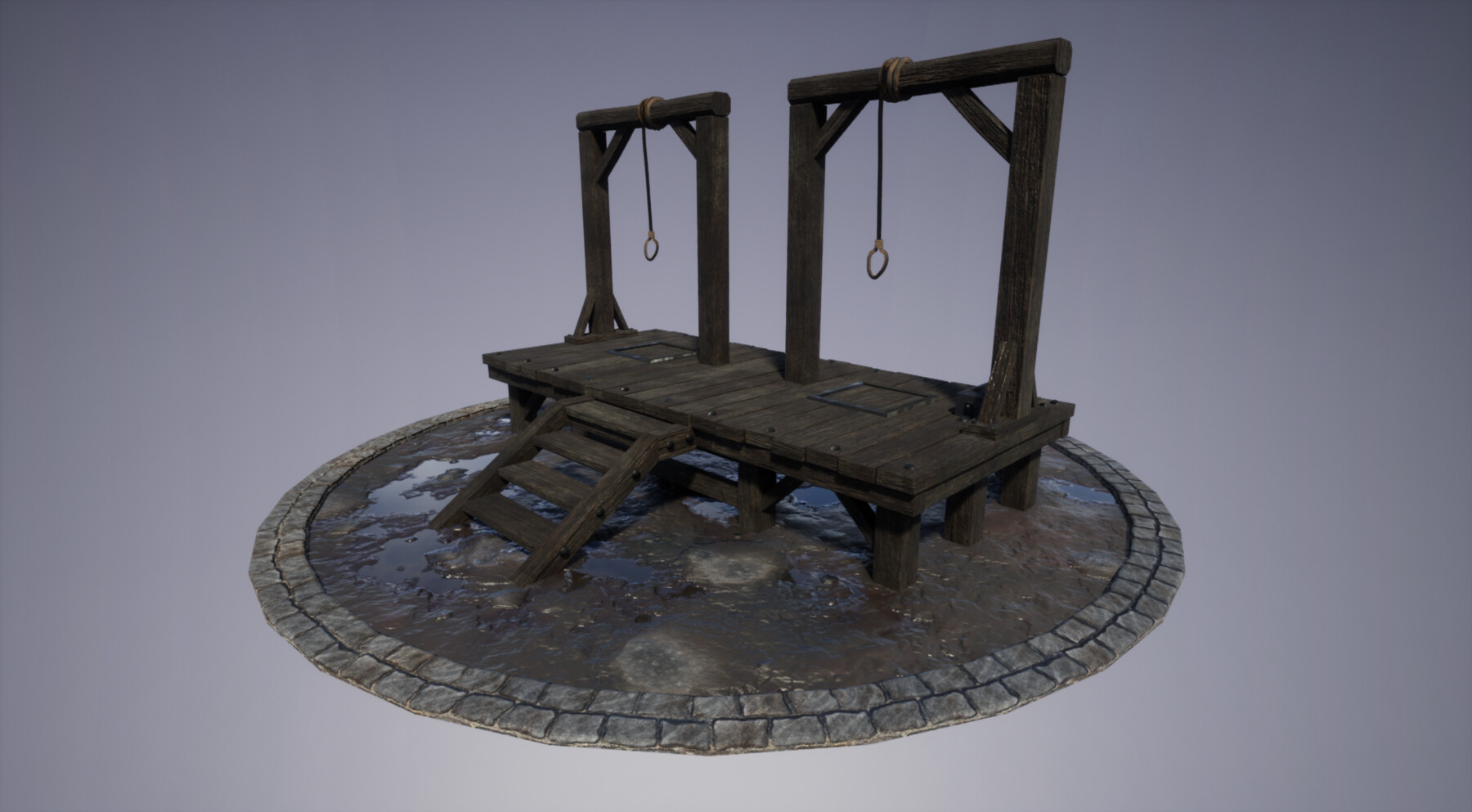
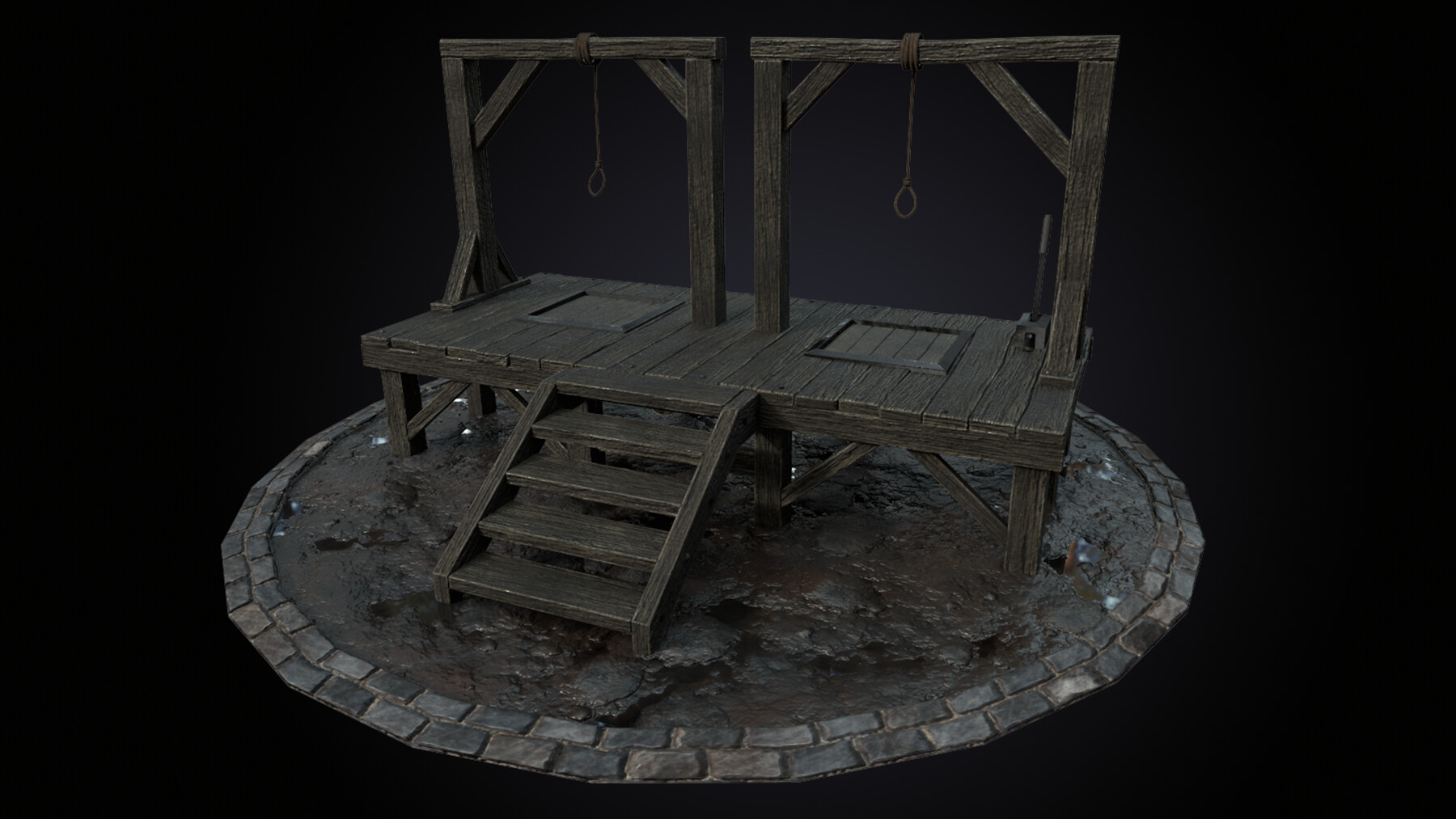
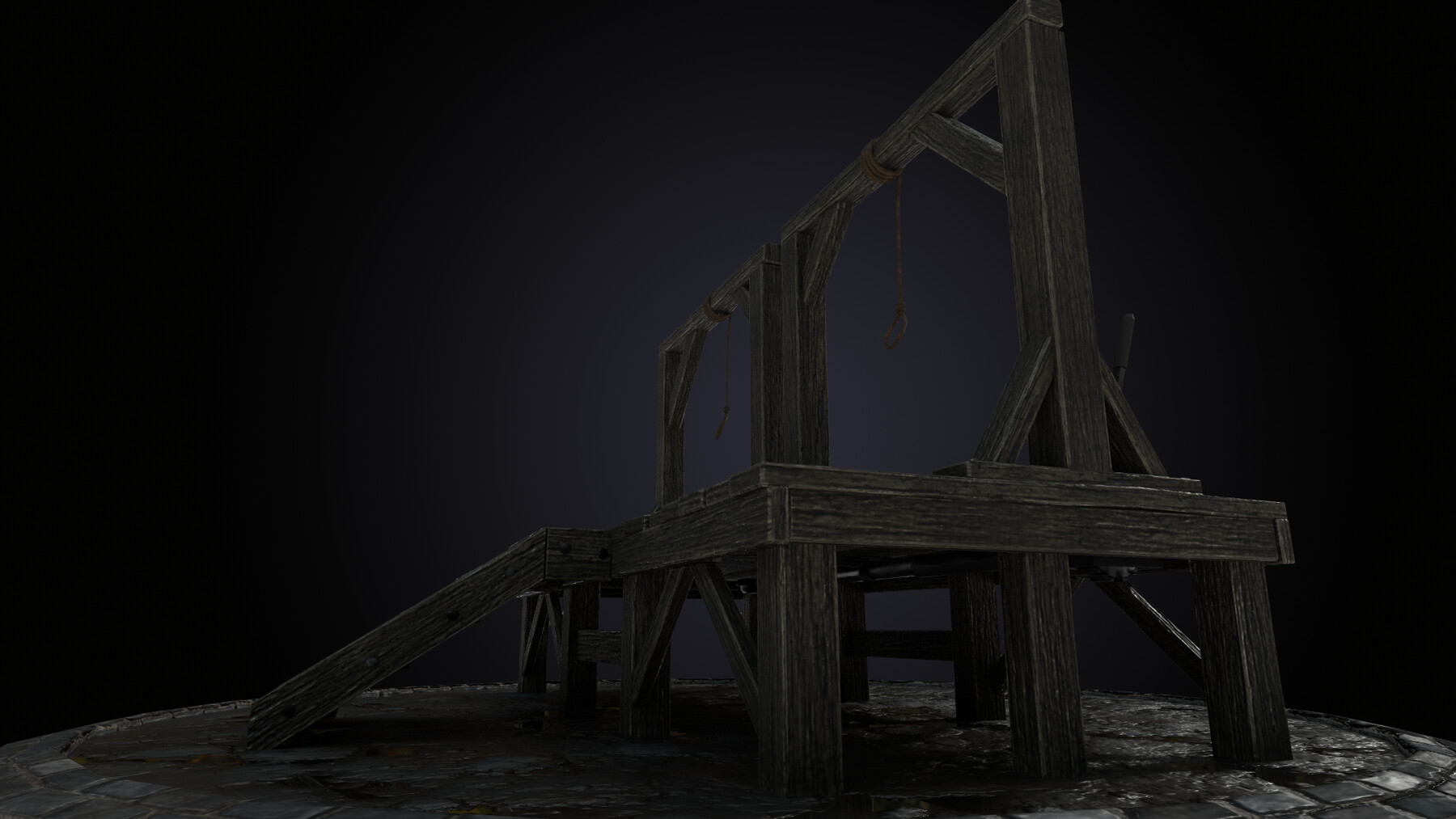
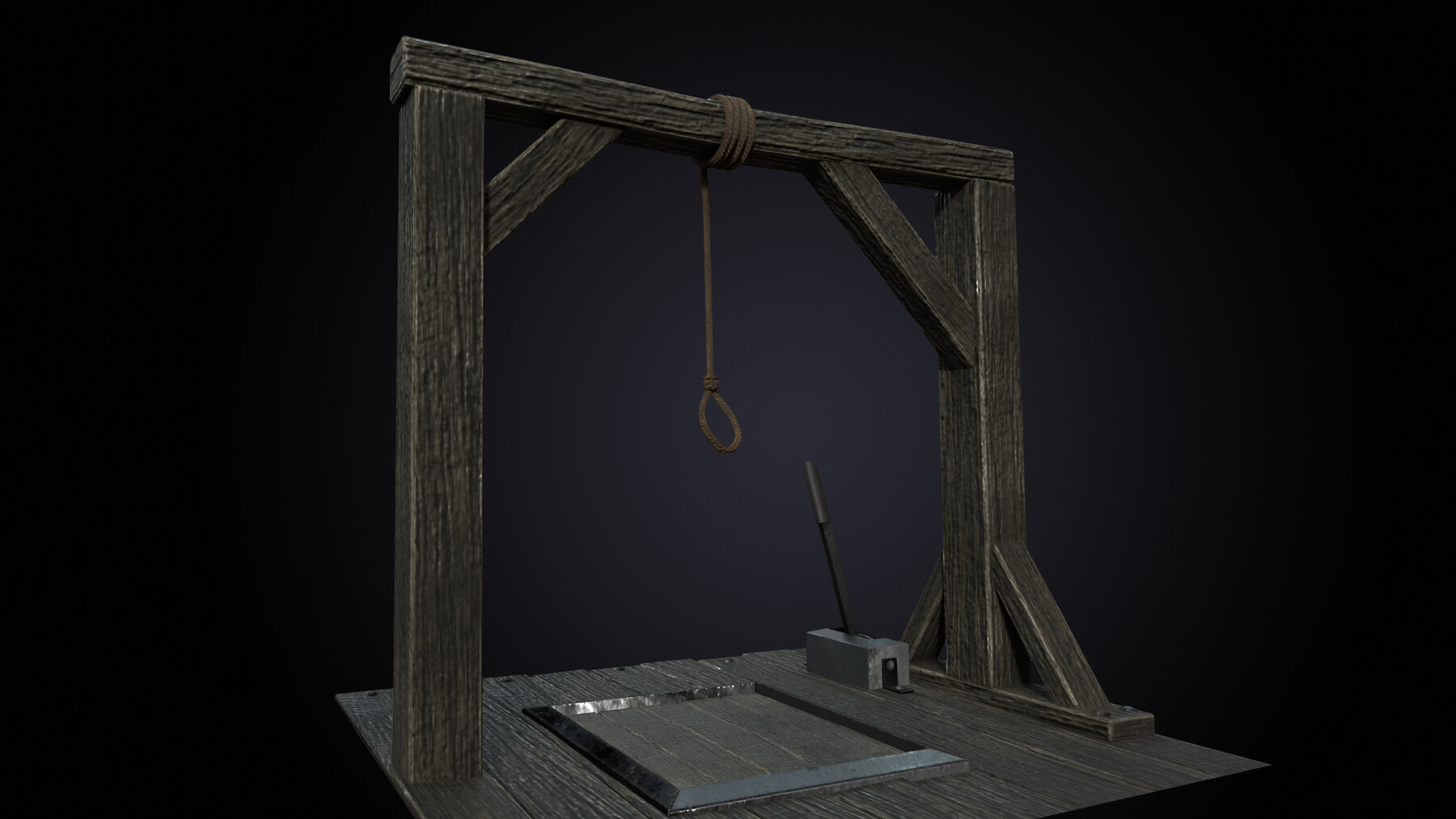
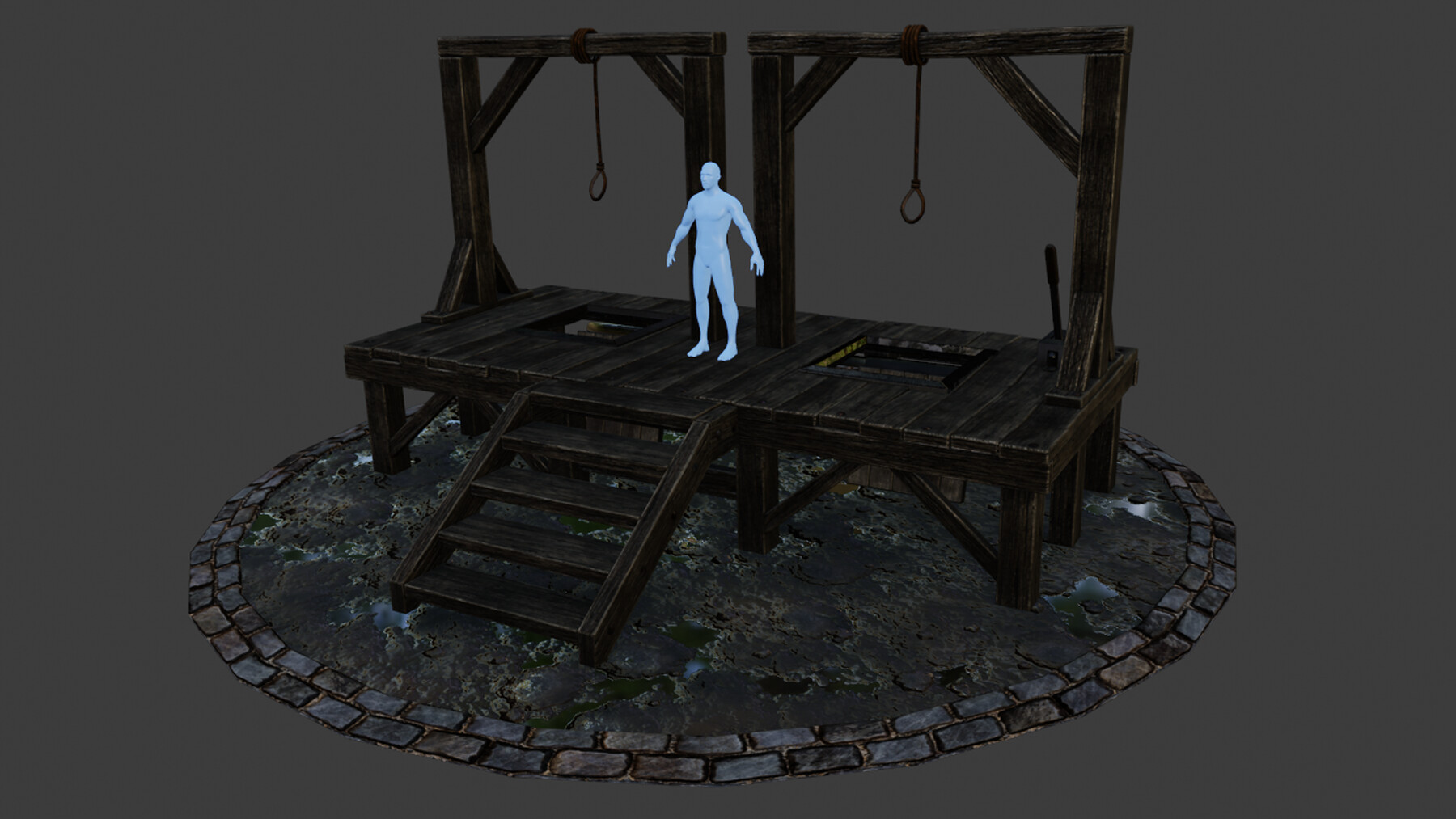
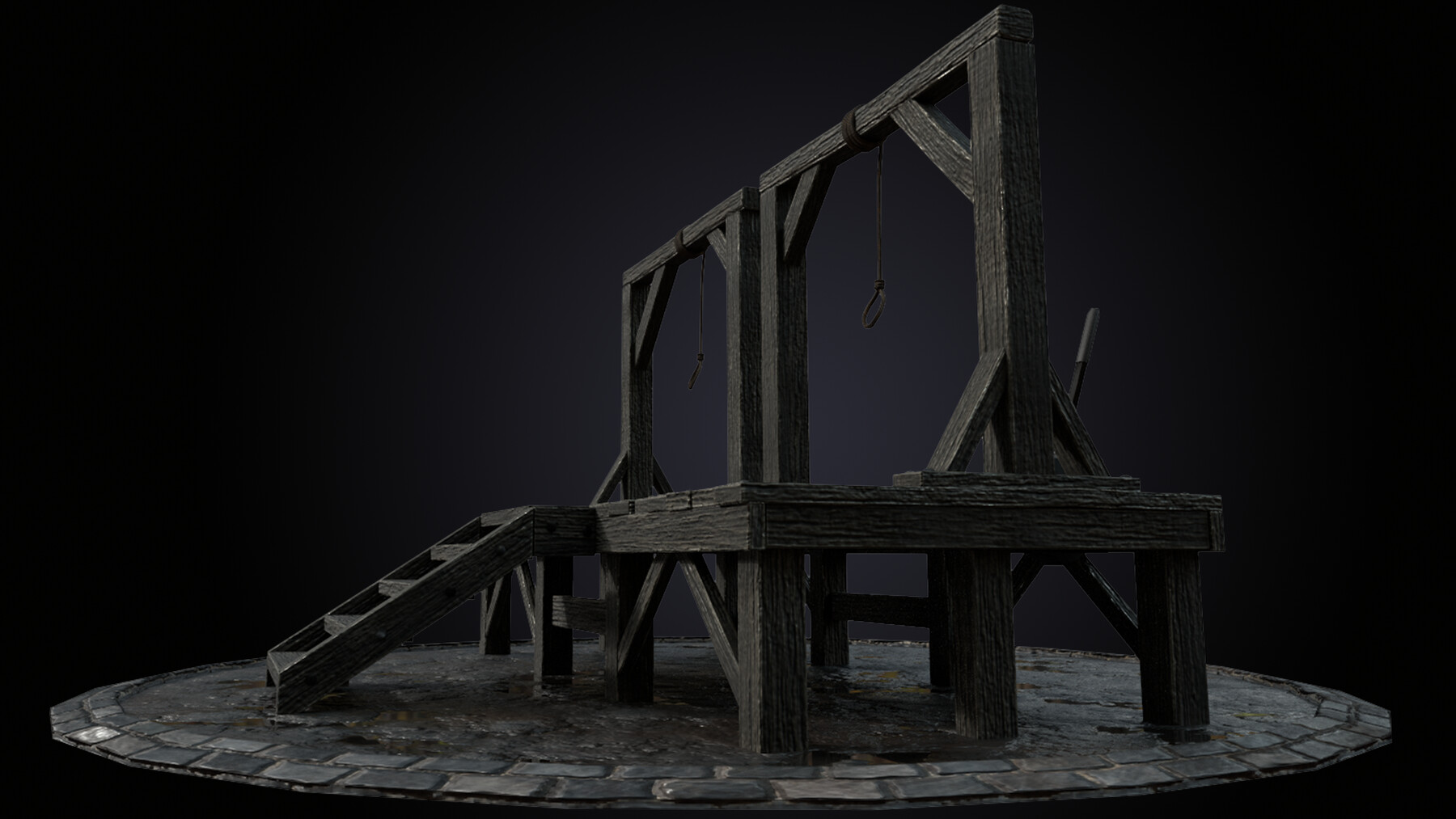
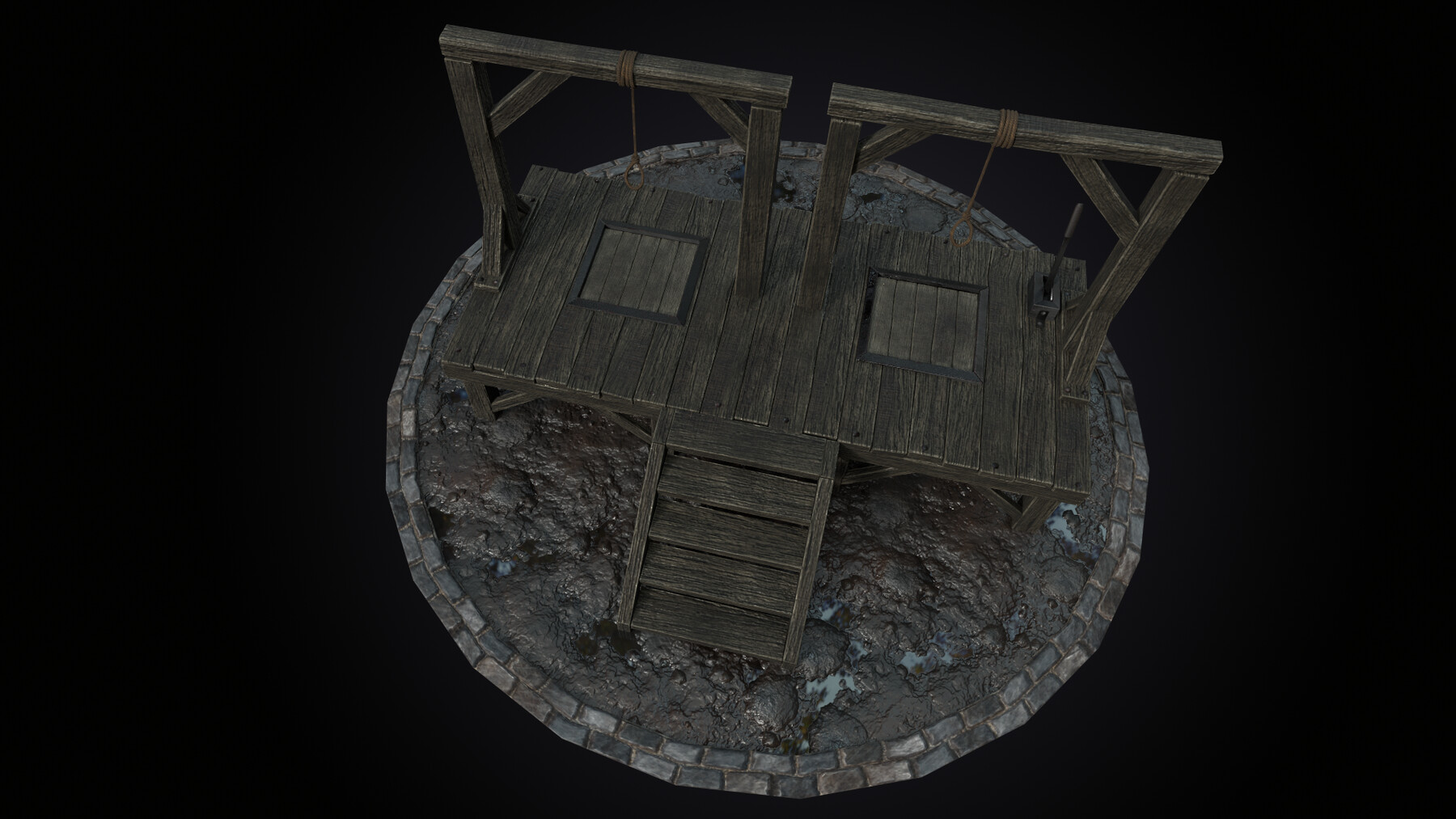
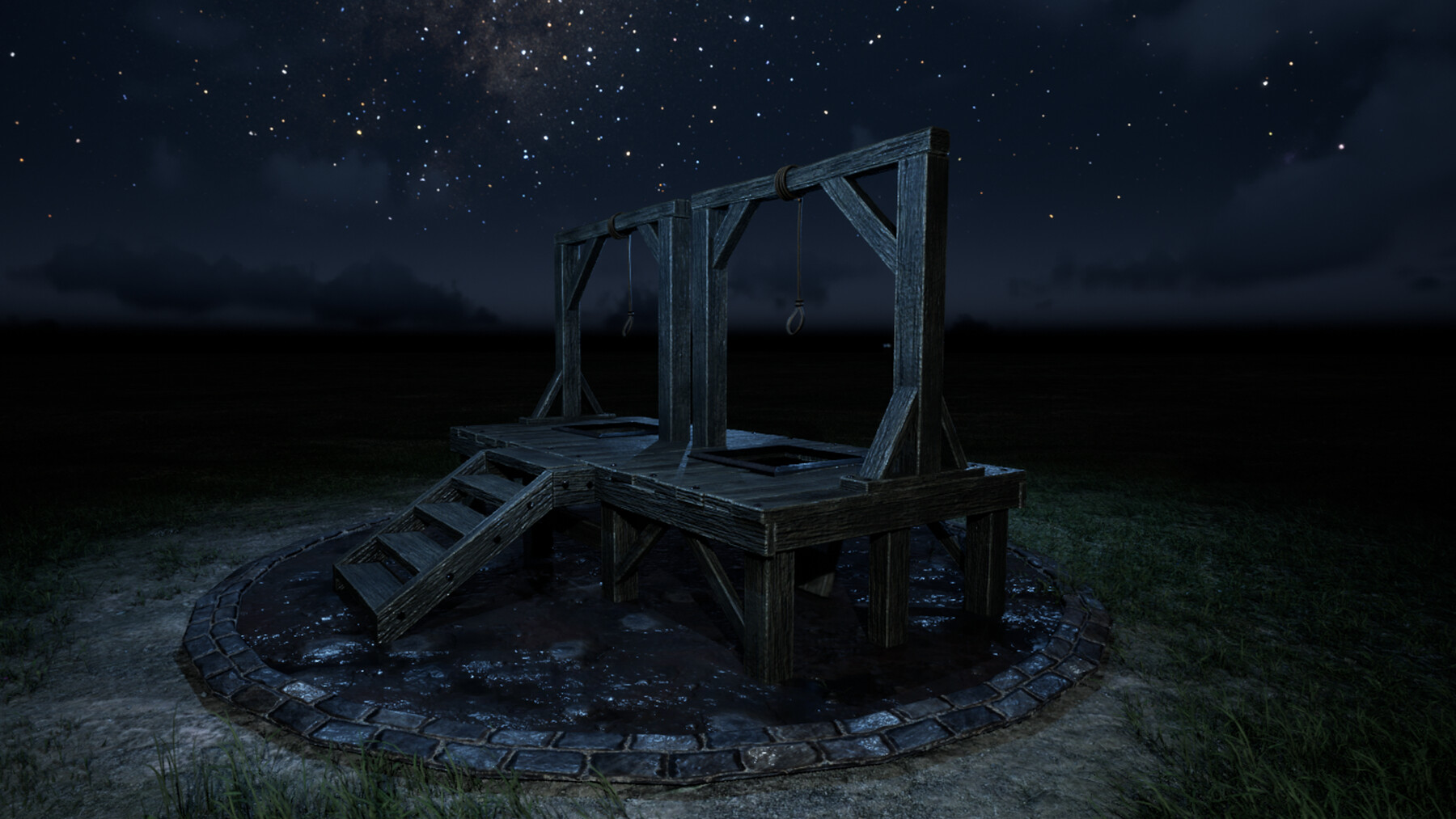
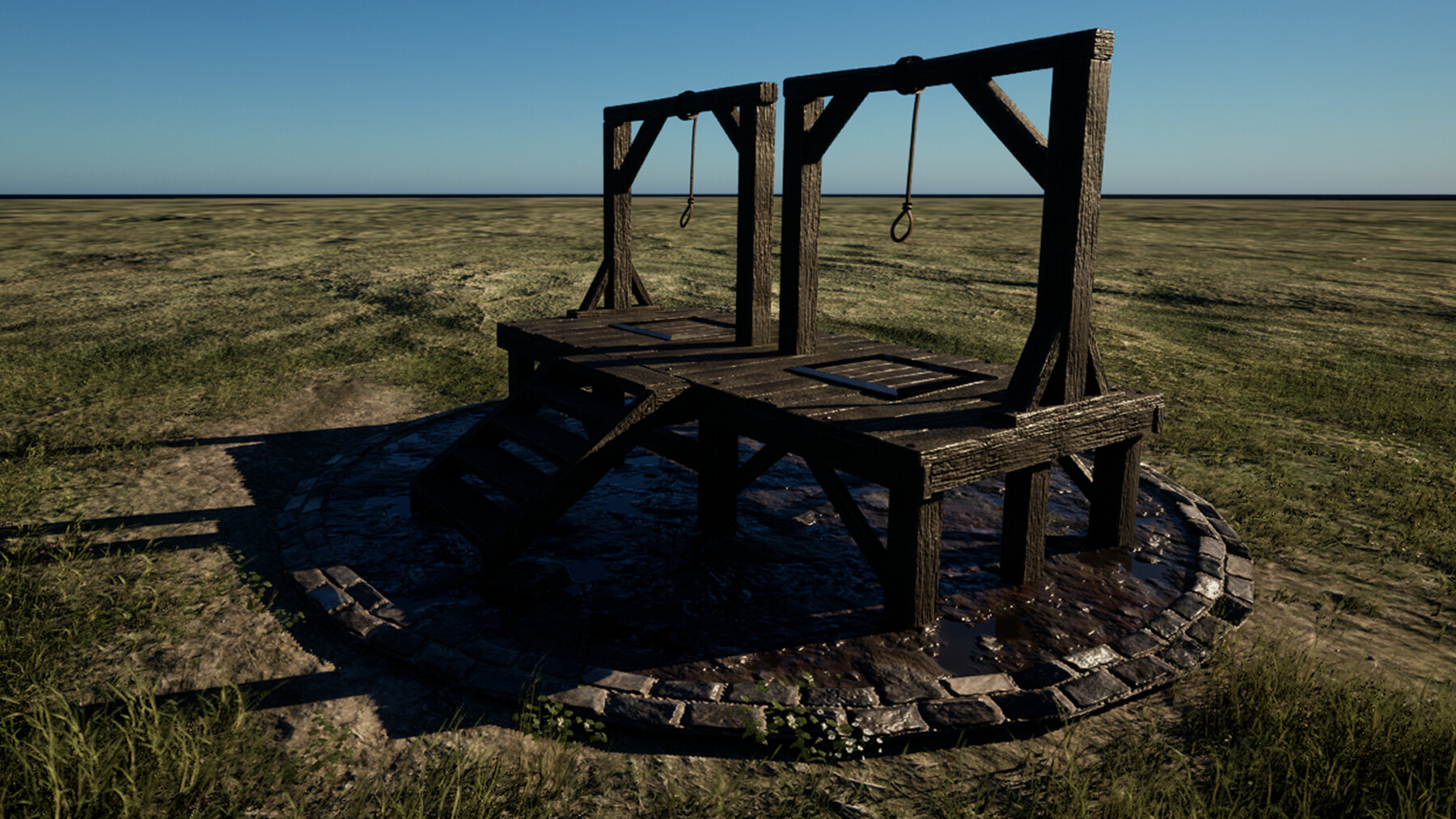
‘Blender to Unreal Engine 3D Props Medieval Gallows’ will see you creating a set of medieval gallows with aged wooden planks and rope. The medieval gallows game asset also incorporates animated elements; the collapsable platform to run the executions.
This course will give you access to just over 6 hours of 3D art.
Learn how to build a medieval came asset that would fit perfectly in the main square of any medieval game city or medieval castle keep in the game engine of your choice.
This course will see you learn all the techniques pros use and how they use them. Learning how to add wear and tear details to your 3D game asset will be a central part of this course's learning objectives!
Through reading this course description you will find out:
- What you want to learn about 3D modelling;
- What you are going to get through ‘Blender to Unreal Engine 3D Props Medieval Gallows’, and;
- How the course will take your 3D modelling, and animation skills to the next level.
Modeling
This course will teach you how to bring to life a game-ready AAA video game prop, ready for you to render as part of your portfolio.
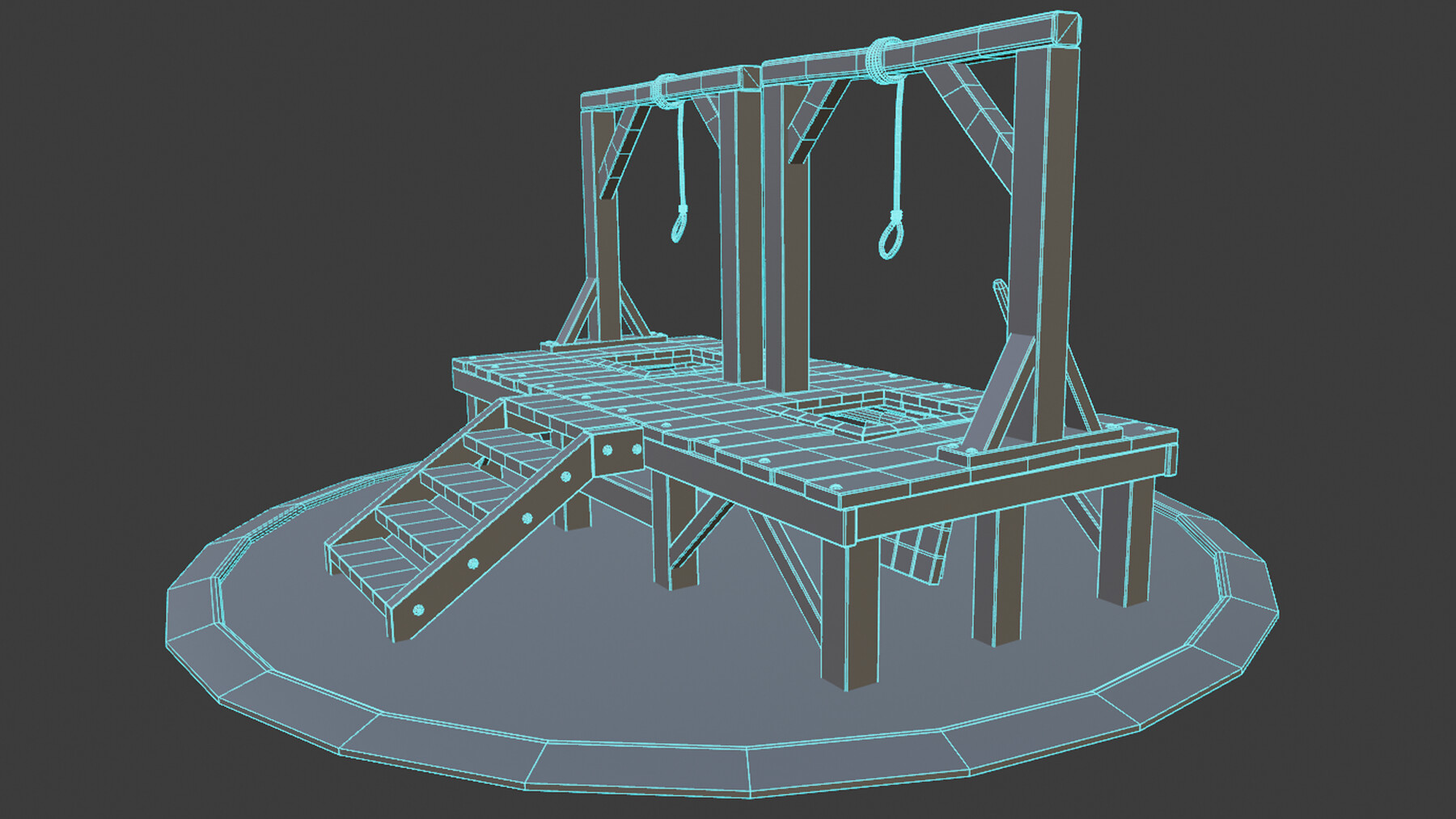
Our 3D modelling focus will be on building a simple wooden structure for our gallows, followed by modelling rope and adding realism to it. We will also be making sure that the floor platform planks are cut the right way so that they can collapse in a believable way when the execution lever is pushed down.
Texturing and Materials
All in all, ‘Blender to Unreal Engine 3D Props Medieval Gallows’ will provide you with intensive learning all in one place, giving you access to over 6 textures, and 48 texture maps at 4 k resolution. This course will also teach you the basics of making your own materials and shaders using these textures.
‘Blender to Unreal Engine 3D Props Medieval Gallows’ will teach you all about the gamma, hue, and saturation.
Animation
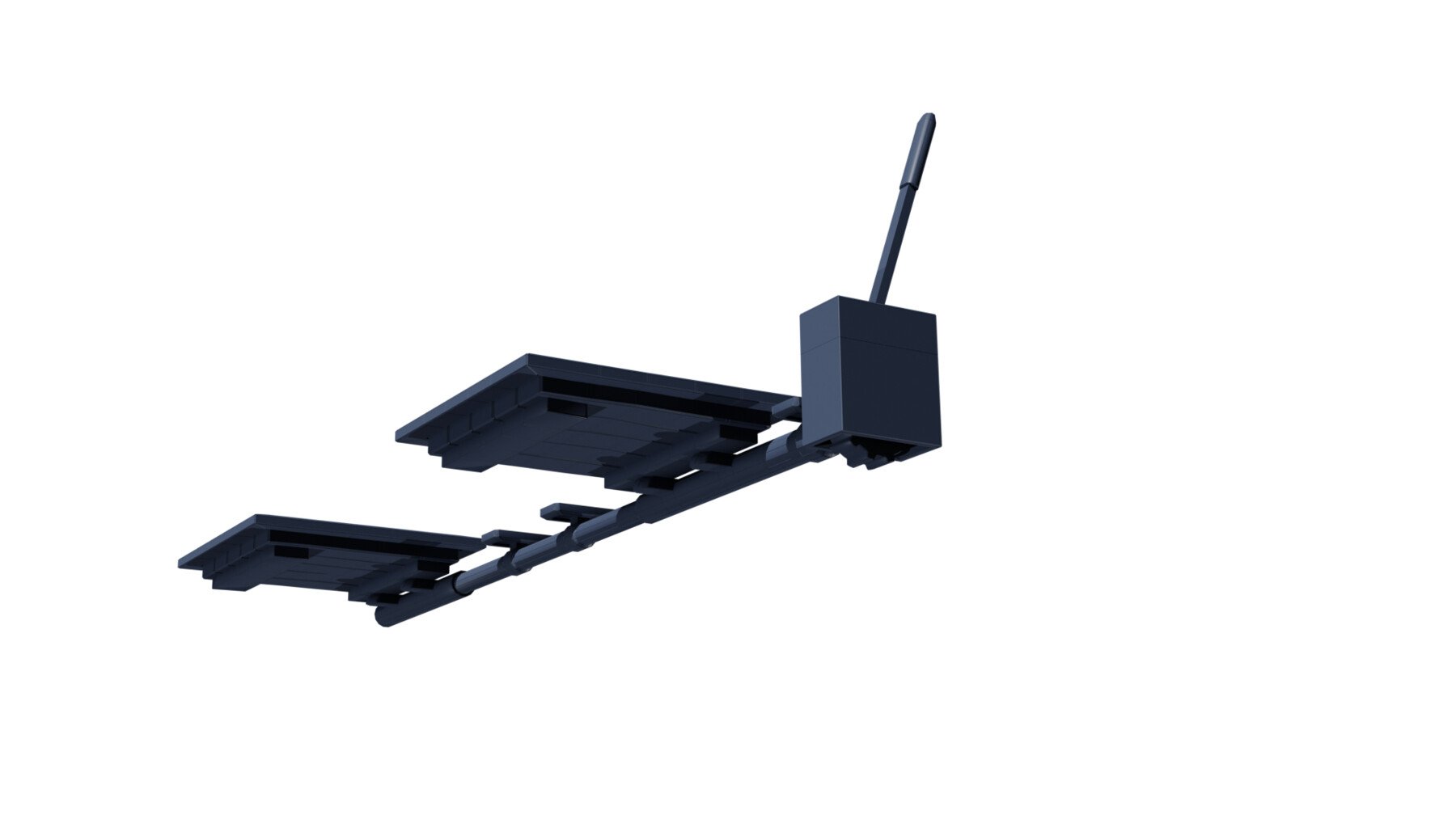
As part of this ‘Blender to Unreal Engine 3D Props Medieval Gallows’ course, you will learn how to use keyframes to key in different animations to the parts we want to animate. We will be animating the wooden platform so that it can collapse upon pulling down the execution lever which will also be animated.
Lighting & Rendering
By joining ‘Blender to Unreal Engine 3D Props Medieval Gallows’, you will learn about specific types of in-built Blender lighting functionalities that will enhance the scary and dark feeling of your medieval gallows.
We will also be creating a portfolio render for any multimedia site you wish to upload your completed model to.
‘Blender to Unreal Engine 3D Props Medieval Gallows’ is a complete guide into using Cycles for lighting, rendering, shadow.
Game Engine Incorporation Unreal Engine 5
We will be taking a deep dive into Epic’s all new Unreal Engine 5. Do not worry if you have not managed to download it and are still working with UE4 because everything you will learn in this section can be used in both.
Through ‘Blender to Unreal Engine 3D Props Medieval Gallows’ you will be learning everything right from importing animations from Blender to having them work correctly in UE5. Through this course, you will learn the basics of bringing your games asset to life, rendered in real time.
We will look at how to import and use textures created specifically for Unreal Engine and use them to create the materials for our medieval gallows.
One of the main things about this course is that we will also be creating our own portfolio gradient skybox!
Course Resources & Freebies
The ‘Blender to Unreal Engine 3D Props Medieval Gallows’ course resource pack includes 6 textures, and 48 texture maps at 4 k resolution, 3 references, 1 HDRI map, 1 HDRI portfolio gradient map, and 1 human reference.
The best course navigation tool for ‘Blender to Unreal Engine 3D Props Medieval Gallows’ will be included. The course handbook will give the control back to you and you will be able to fully streamline your learning process to your needs and wants seamlessly.
Join this course and come be part of a 3D modelling journey of over 6 hours of learning that will see you go away with a game-ready AAA medieval game asset full of life and animation.
Check out the free introduction and I am sure you won’t be able to put this course down!
Still unsure? Then, let me tell you what's unique about this course:
- Following through a complete guide on creating a set of AAA game-ready quality medieval gallows
- Maximising the potential of your references to develop strong game asset concepts
- Discovering the basics of rigging and animating inanimate game assets in Blender
- Learning how to use HDRIs as 3D model backgrounds for your portfolio
- Maintaining and optimising medieval Europe aesthetics
- Learning how to use rendering to improve the quality of presentation for your 3D environment in Blender Cycles and Unreal Engine 5
- Taking a high-resolution render in Unreal Engine 5
- Rendering game assets to a high level for professional 3D artist portfolios
Let’s create something history inspired and scary this November!
To get you pumped, imagine how well this prop fits in with your other 3D Tudor projects.
You can include your medieval gallows 3D model within your castle keep as part of our ‘Creating a Modular Kitbash in Blender’ course, next to your medieval in or tavern based on ‘Blender 2.8 Complete Beginners Guide to 3D Modelling a Scene’, or nearby your medieval well or windmill using ‘Blender 2.8 Creating your First 3D Game Model’ and ‘Blender to Unreal Engine 5’ respectively.
Neil – 3D Tudor
Course Description
Would you like to learn how to model and animate a set of three medieval 3D AAA game assets?
Now, what if I told you I have a course to start with part 1, the medieval gallows, on Artstation?
Get started with part 1 of a medieval game assets 3D modelling series coming in November!
These three courses have been streamlined to make them compact and full of knowledge.
‘Blender to Unreal Engine 3D Props Medieval Gallows’ will see you creating a set of medieval gallows with aged wooden planks and rope. The medieval gallows game asset also incorporates animated elements; the collapsable platform to run the executions.
This course will give you access to just over 6 hours of 3D art.
Learn how to build a medieval came asset that would fit perfectly in the main square of any medieval game city or medieval castle keep in the game engine of your choice.
This course will see you learn all the techniques pros use and how they use them. Learning how to add wear and tear details to your 3D game asset will be a central part of this course's learning objectives!
Through reading this course description you will find out:
- What you want to learn about 3D modelling;
- What you are going to get through ‘Blender to Unreal Engine 3D Props Medieval Gallows’, and;
- How the course will take your 3D modelling, and animation skills to the next level.
Modeling
This course will teach you how to bring to life a game-ready AAA video game prop, ready for you to render as part of your portfolio.
Our 3D modelling focus will be on building a simple wooden structure for our gallows, followed by modelling rope and adding realism to it. We will also be making sure that the floor platform planks are cut the right way so that they can collapse in a believable way when the execution lever is pushed down.
Texturing and Materials
All in all, ‘Blender to Unreal Engine 3D Props Medieval Gallows’ will provide you with intensive learning all in one place, giving you access to over 6 textures, and 48 texture maps at 4 k resolution. This course will also teach you the basics of making your own materials and shaders using these textures.
‘Blender to Unreal Engine 3D Props Medieval Gallows’ will teach you all about the gamma, hue, and saturation.
Animation
As part of this ‘Blender to Unreal Engine 3D Props Medieval Gallows’ course, you will learn how to use keyframes to key in different animations to the parts we want to animate. We will be animating the wooden platform so that it can collapse upon pulling down the execution lever which will also be animated.
Lighting & Rendering
By joining ‘Blender to Unreal Engine 3D Props Medieval Gallows’, you will learn about specific types of in-built Blender lighting functionalities that will enhance the scary and dark feeling of your medieval gallows.
We will also be creating a portfolio render for any multimedia site you wish to upload your completed model to.
‘Blender to Unreal Engine 3D Props Medieval Gallows’ is a complete guide into using Cycles for lighting, rendering, shadow.
Game Engine Incorporation Unreal Engine 5
We will be taking a deep dive into Epic’s all new Unreal Engine 5. Do not worry if you have not managed to download it and are still working with UE4 because everything you will learn in this section can be used in both.
Through ‘Blender to Unreal Engine 3D Props Medieval Gallows’ you will be learning everything right from importing animations from Blender to having them work correctly in UE5. Through this course, you will learn the basics of bringing your games asset to life, rendered in real time.
We will look at how to import and use textures created specifically for Unreal Engine and use them to create the materials for our medieval gallows.
One of the main things about this course is that we will also be creating our own portfolio gradient skybox!
Course Resources & Freebies
The ‘Blender to Unreal Engine 3D Props Medieval Gallows’ course resource pack includes 6 textures, and 48 texture maps at 4 k resolution, 3 references, 1 HDRI map, 1 HDRI portfolio gradient map, and 1 human reference.
The best course navigation tool for ‘Blender to Unreal Engine 3D Props Medieval Gallows’ will be included. The course handbook will give the control back to you and you will be able to fully streamline your learning process to your needs and wants seamlessly.
Join this course and come be part of a 3D modelling journey of over 6 hours of learning that will see you go away with a game-ready AAA medieval game asset full of life and animation.
Check out the free introduction and I am sure you won’t be able to put this course down!
Still unsure? Then, let me tell you what's unique about this course:
- Following through a complete guide on creating a set of AAA game-ready quality medieval gallows
- Maximising the potential of your references to develop strong game asset concepts
- Discovering the basics of rigging and animating inanimate game assets in Blender
- Learning how to use HDRIs as 3D model backgrounds for your portfolio
- Maintaining and optimising medieval Europe aesthetics
- Learning how to use rendering to improve the quality of presentation for your 3D environment in Blender Cycles and Unreal Engine 5
- Taking a high-resolution render in Unreal Engine 5
- Rendering game assets to a high level for professional 3D artist portfolios
Let’s create something history inspired and scary this November!
To get you pumped, imagine how well this prop fits in with your other 3D Tudor projects.
You can include your medieval gallows 3D model within your castle keep as part of our ‘Creating a Modular Kitbash in Blender’ course, next to your medieval in or tavern based on ‘Blender 2.8 Complete Beginners Guide to 3D Modelling a Scene’, or nearby your medieval well or windmill using ‘Blender 2.8 Creating your First 3D Game Model’ and ‘Blender to Unreal Engine 5’ respectively.
Neil – 3D Tudor
Release Notes
Section 9 Updated.