Blender Ghibli Art Oriental Stylized Scene Complete Guide




Course Description
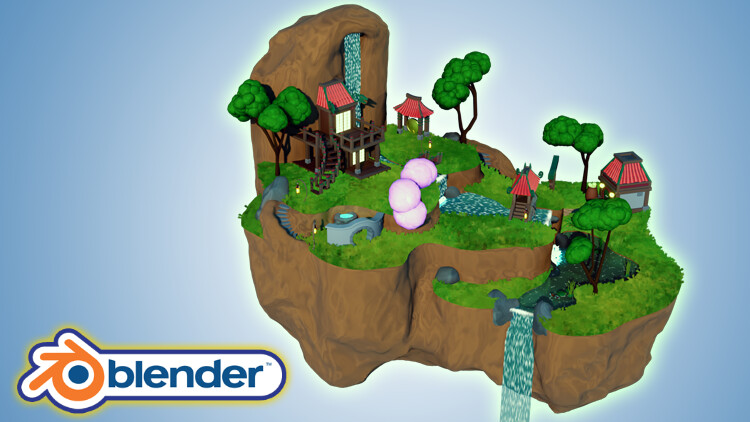
Would you like to learn how to model a stylized oriental island scene reminiscent of anime films or series?
Now, what if I told you I have a course to do just that on Artstation?
'Blender 3D Model a Stylized Oriental Scene’ will see you creating 16 assets that complete an exciting scene full of life through 3D animation.
'Blender 3D Model a Stylized Oriental Scene’ will give you access to 24 full hours of 3D art.
Learn how to build 4 levels of a flying island in 128 lessons.
This course will see you learn all the techniques pros use and how they use them.
Through reading this course description you will find out:
- What you want to learn about 3D modelling;
- What you are going to get through 'Blender 3D Model a Stylized Oriental Scene’, and;
- What are you going to lose if you don’t enrol in this course.
Modeling
'Blender 3D Model a Stylized Oriental Scene’ will see you take a deep dive into the power of curves and great techniques for using them.
Learn how to use multiple modifiers to create amazing 3D models. This will include Blender's simple deform, skin, displace and decimation modifier.
A lot of my students have fed back that they would like to learn to sculpt in Blender. We will be doing exactly that!
Following the success of my latest courses, we will be modelling, texturing, and finalising every individual asset before moving onto the next. Students have said that this has helped them in staying excited throughout the creation process, being able to see how their scene comes closer to the course preview step-by-step.
Of course, you could set yourself a challenge and diversify aspects of the scene, such as including different buildings, changing their architectural design or colours, or modelling and animating more animals.
Be creative! Make your islands bigger and lusher. Add different types of flowers and trees and build up the stylized character of the scene with new assets you have thought of.
Texturing and Materials
'Blender 3D Model a Stylized Oriental Island' will teach you all about advanced Blender node techniques and the course will act as an in-depth guide to the entire process.
This course will also teach you the basics of shaders and how to create your own water shader which you will be able to use in any other builds. But that is not the only unique feature of this course.
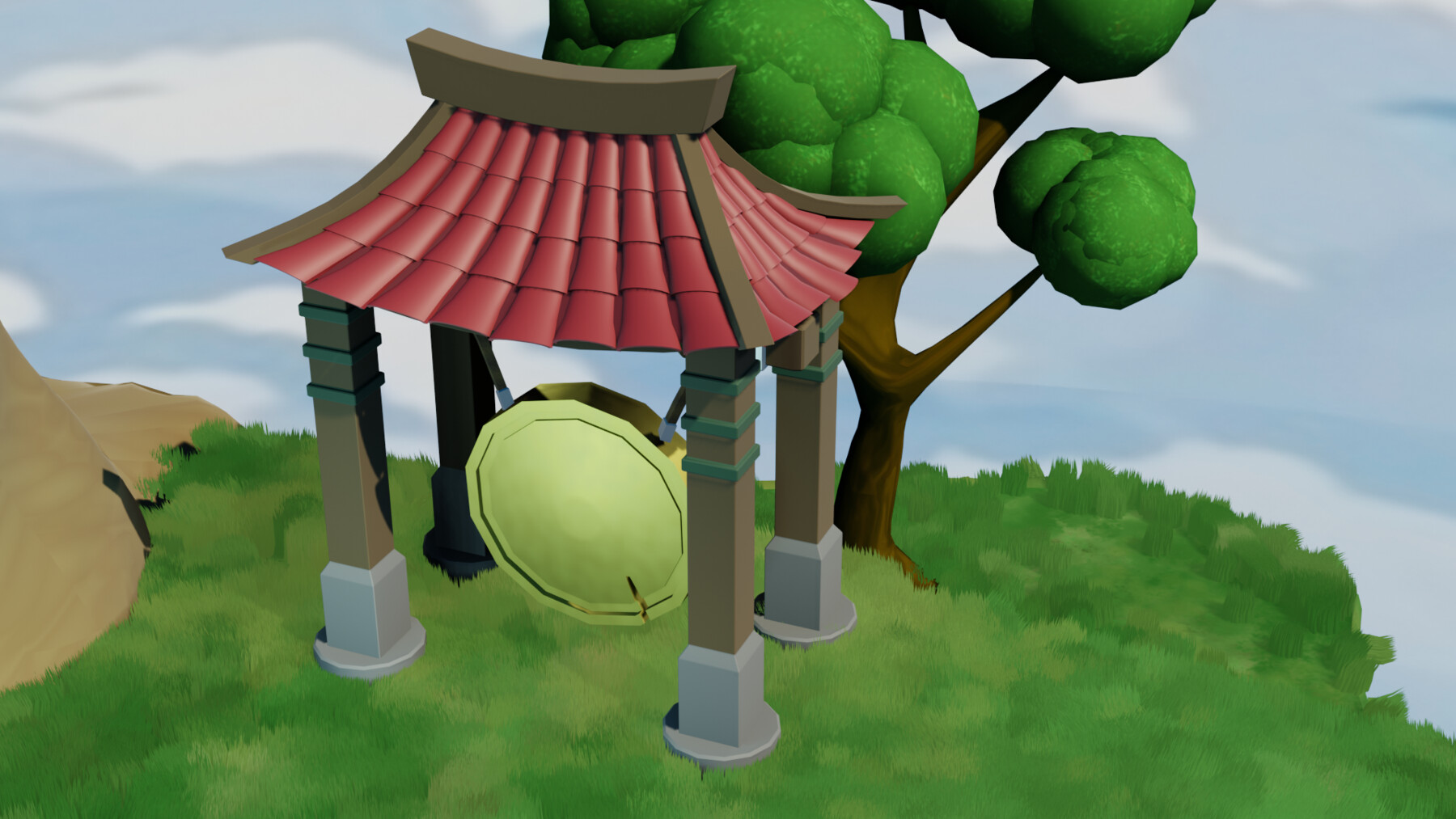
'Blender 3D Model a Stylized Oriental Island' will help you make your own procedural materials and shaders which we will take full advantage of in the course. The procedural materials we will be making include the rocks, the earth material, the paths, the water, the koi fish, the gong, and the foliage.
Particle Systems
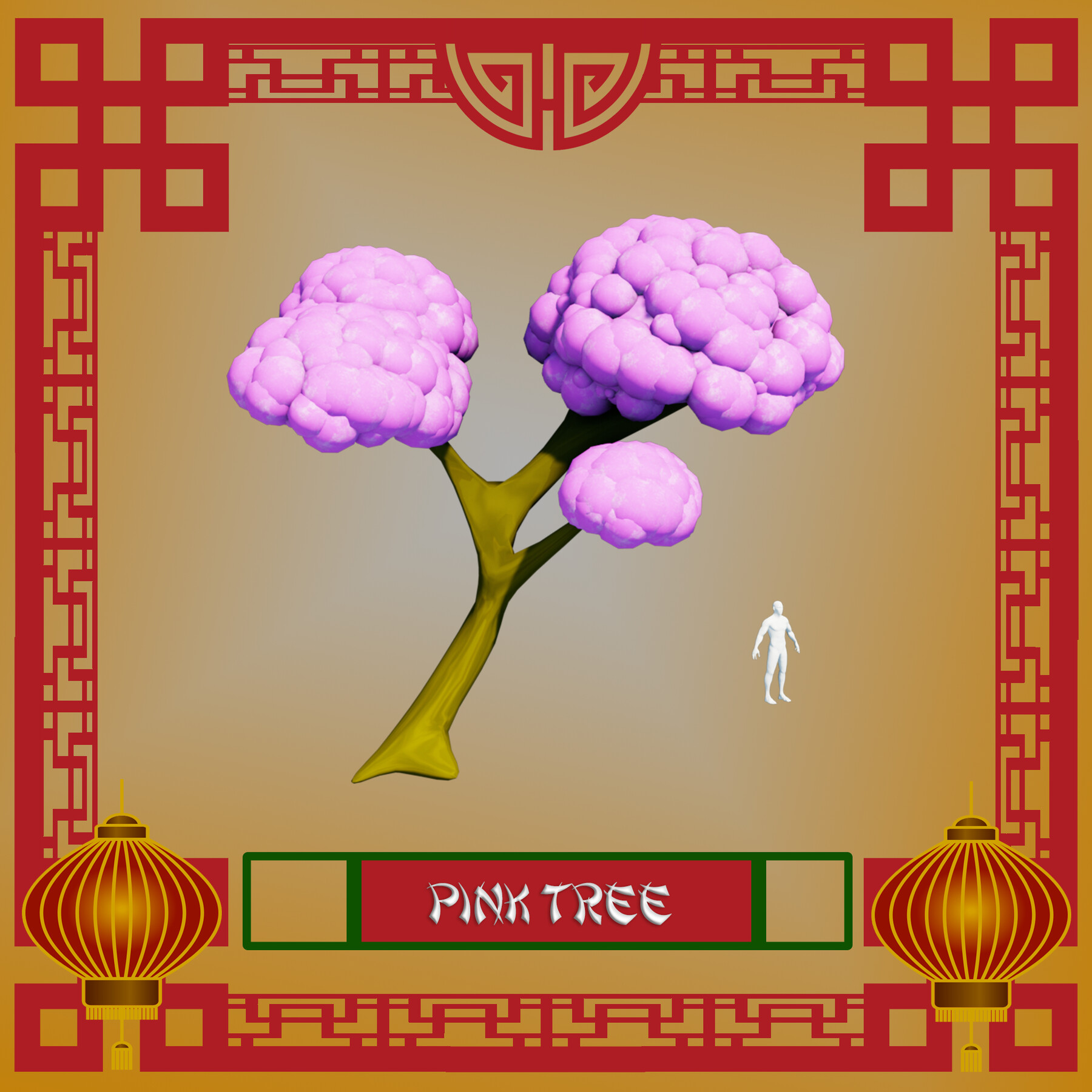
Take your 3D modelling skills to a new level by creating stylized trees using the Blender particle system.
We will be using a technique that is meant for hair strands to create the grass through procedural systems.
Through completing 'Blender 3D Model a Stylized Oriental Island', you will learn how to use particle systems to create grass in the influential style of Ghibli art. As part of that, you will find out how useful a Blender emission shader is to help you resonate that art style.
Animation
Enrol to 'Blender 3D Model a Stylized Oriental Scene’ to learn how to bring your scene alive with procedural rocks, foliage, and wildlife.
We will not just model them. We will also animate them!
Learn how to create stylized animated water, including waterfalls, rapids, and turbulence.
You will also be going through a fully comprehensive guide about animating fish and butterflies that move realistically, following a set path.
Lighting
By enrolling in 'Blender 3D Model a Stylized Oriental Scene’, you will also learn how to take control of your scene's lighting as we take a close look at HDRI stylized lighting, more so than in any of my other courses.
For a full introduction into lighting 3D scenes, we will also cover all in-built Blender lighting functionalities.
Rendering
'Blender 3D Model a Stylized Oriental Island' is a complete guide into using Eevee for lighting, rendering, shadows, exposure, and colour management.
You will also how to create great rendered animations of the scene using various camera techniques.
Course Resources & Freebies
The course resource pack will include 16 course references for all the individual stylized oriental island scene assets we will be creating. It also includes 5 colour maps.
The best course navigation tool for 'Blender 3D Model a Stylized Oriental Island' will be available, yet again. The course handbook will give the control back to you and you will be able to fully streamline your learning process to your needs and wants seamlessly.
Something like this is essential to courses as long as this one, and 3D Tudor is the first to consistently include this with all the newest courses.
Enrol in this course and come be part of a 3D modeling journey of over 24 hours of learning.
Check out the free introduction and I am sure you won’t be able to put this course down!
Still unsure? Then, let me tell you what's unique about this course:
- animating water and creating massive waterfalls;
- animating rapids and turbulence in stylized water;
- animating koi fish;
- seeing butterflies move realistically along a set path;
- creating grass using the Japanese Ghibli art style;
- learning how to use HDRI stylized lighting;
- animations & key commands throughout the learning process;
- - accessing 3 courses within a course, including full lessons on (a) Blender basics, (b) materials and textures, and (c) seams, sharps, and UVs.
From winding stairs to stone steps and cosy fountain nooks, to lush grass, 'Blender 3D Model a Stylized Oriental Island' will take you on a tour of oriental stylized design.
Let's build your own Asian fantasy…
Until next time, happy modelling everyone!
Neil – 3D Tudor