Blender 2.9 Castle Kitbash Course Guide
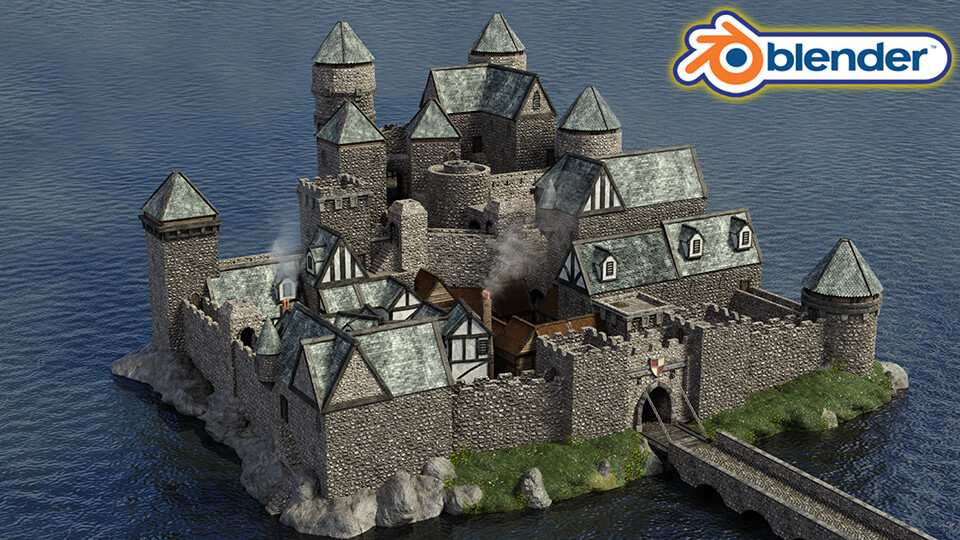
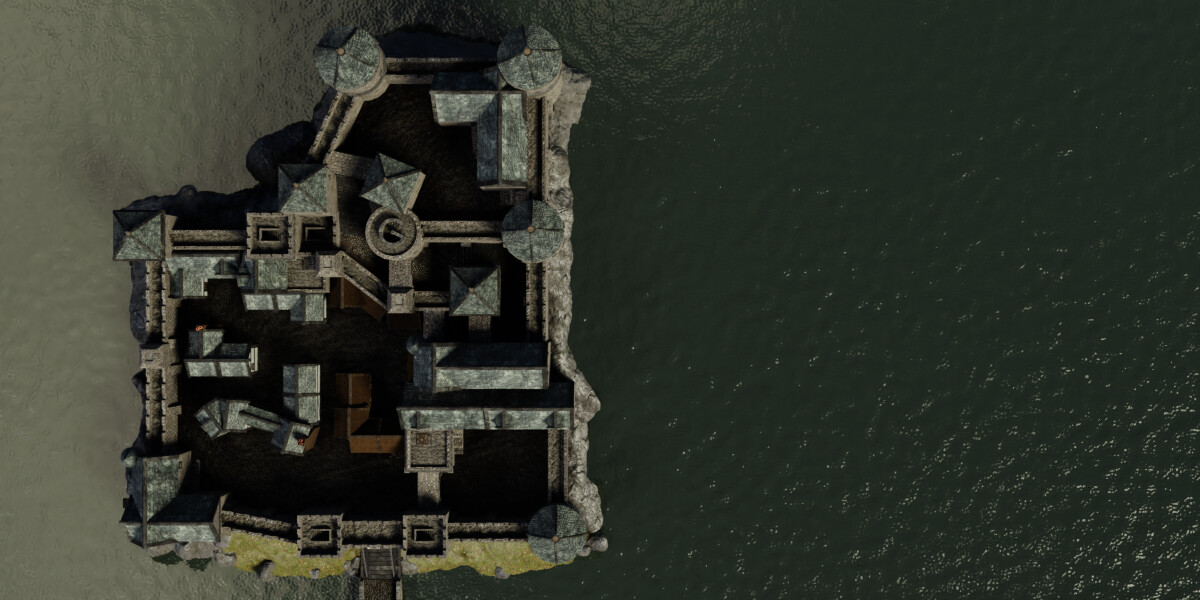
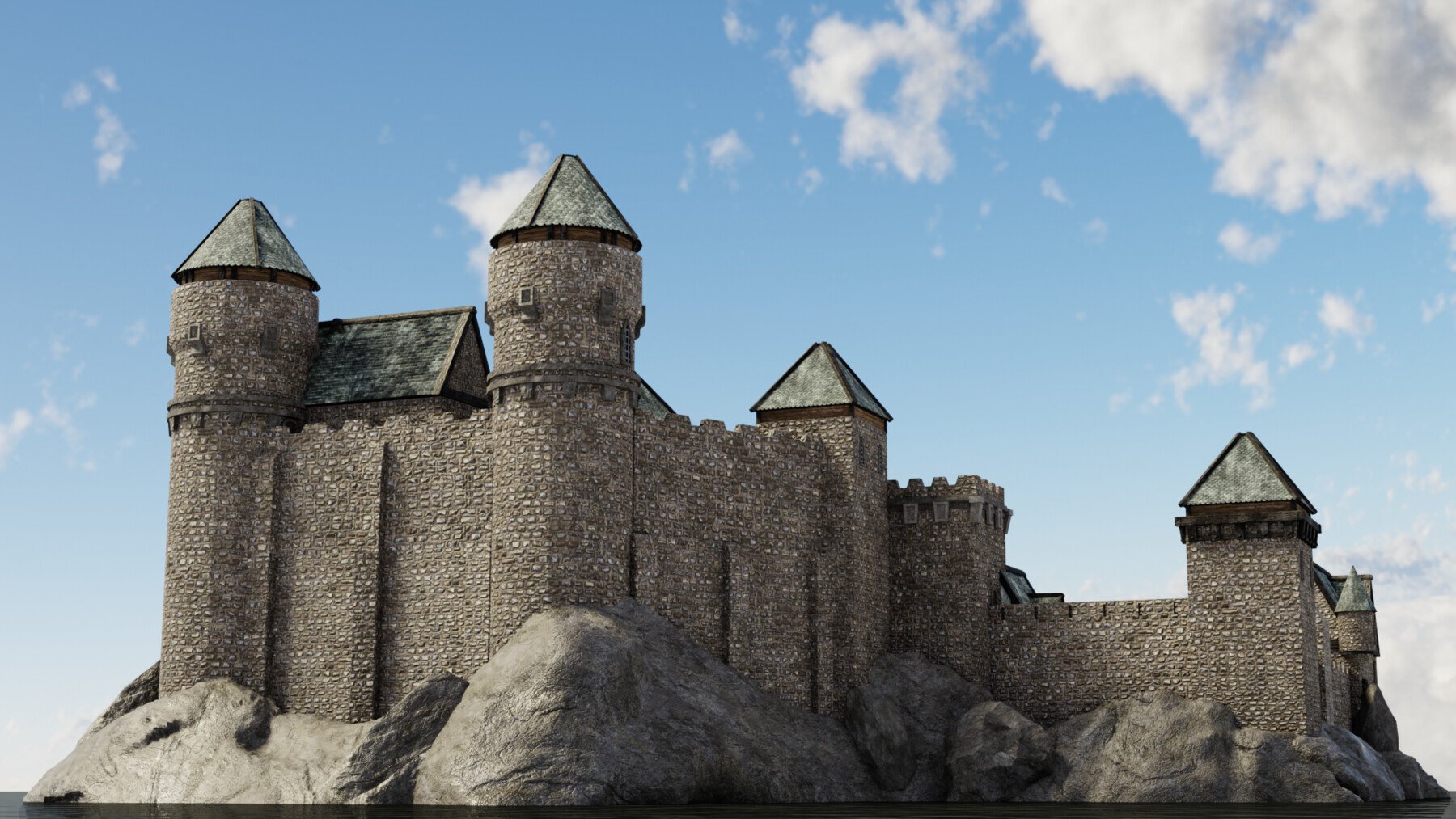
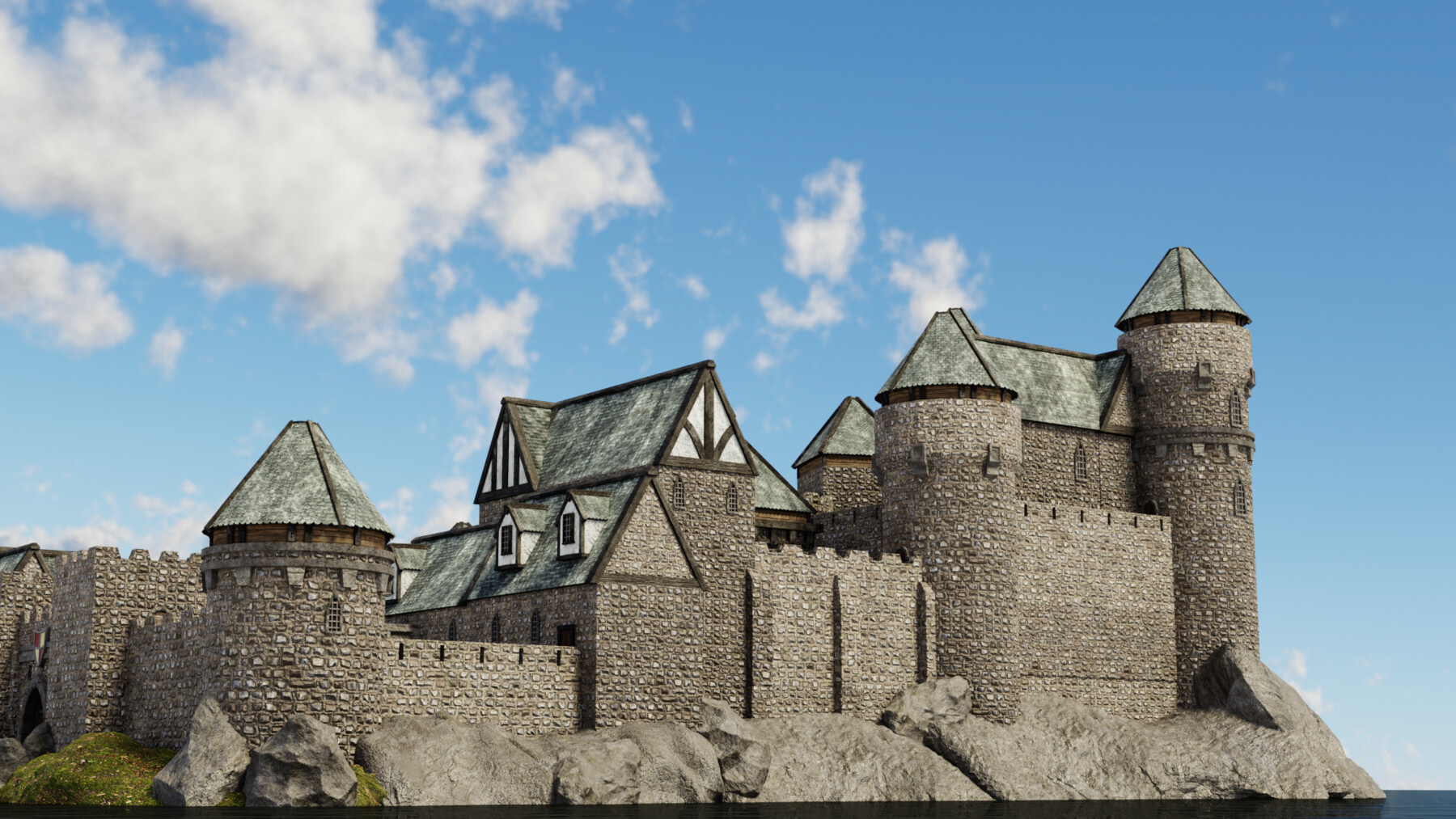
Blender 2.9 Castle Kitbash Course Guide
Would you like to learn how to model an entire medieval castle?
Now, what if I told you I have a course to do just that on Artstation?
'Blender 2.9 Creating a Medieval Kitbash' will see you creating a super varied group of interlinkable assets.
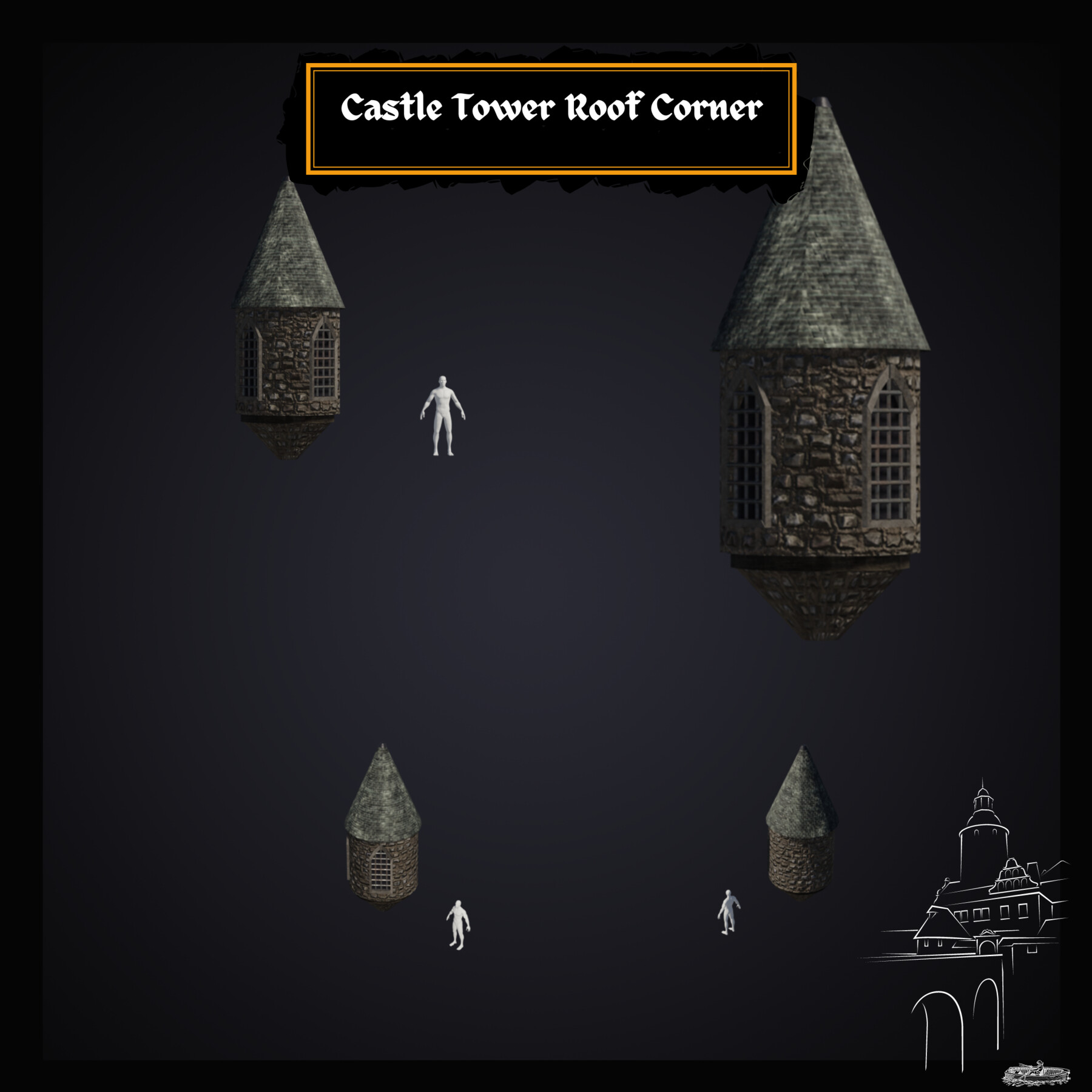
The biggest set of variations are available for roofs, castle towers, and related fixings.
There’s nothing like this course on Artstation.
'Blender 2.9 Creating a Medieval Castle Kitbash' will give you access to 24 full hours of 3D asset creation. It will teach you the very basics of Blender 2.9, moving on to professional techniques in a short time of accelerated learning.
And that's not all. The course will be even longer than that because we still have to build the castle. As a result, this will certainly be my biggest course yet, scoring at over 30 hours of learning.
Modeling
Join the craziest Blender course on Artstation to complete a kitbash with you infinite possibilities. By completing the course, you will be able to 3D model vast cities, towns, and castles.
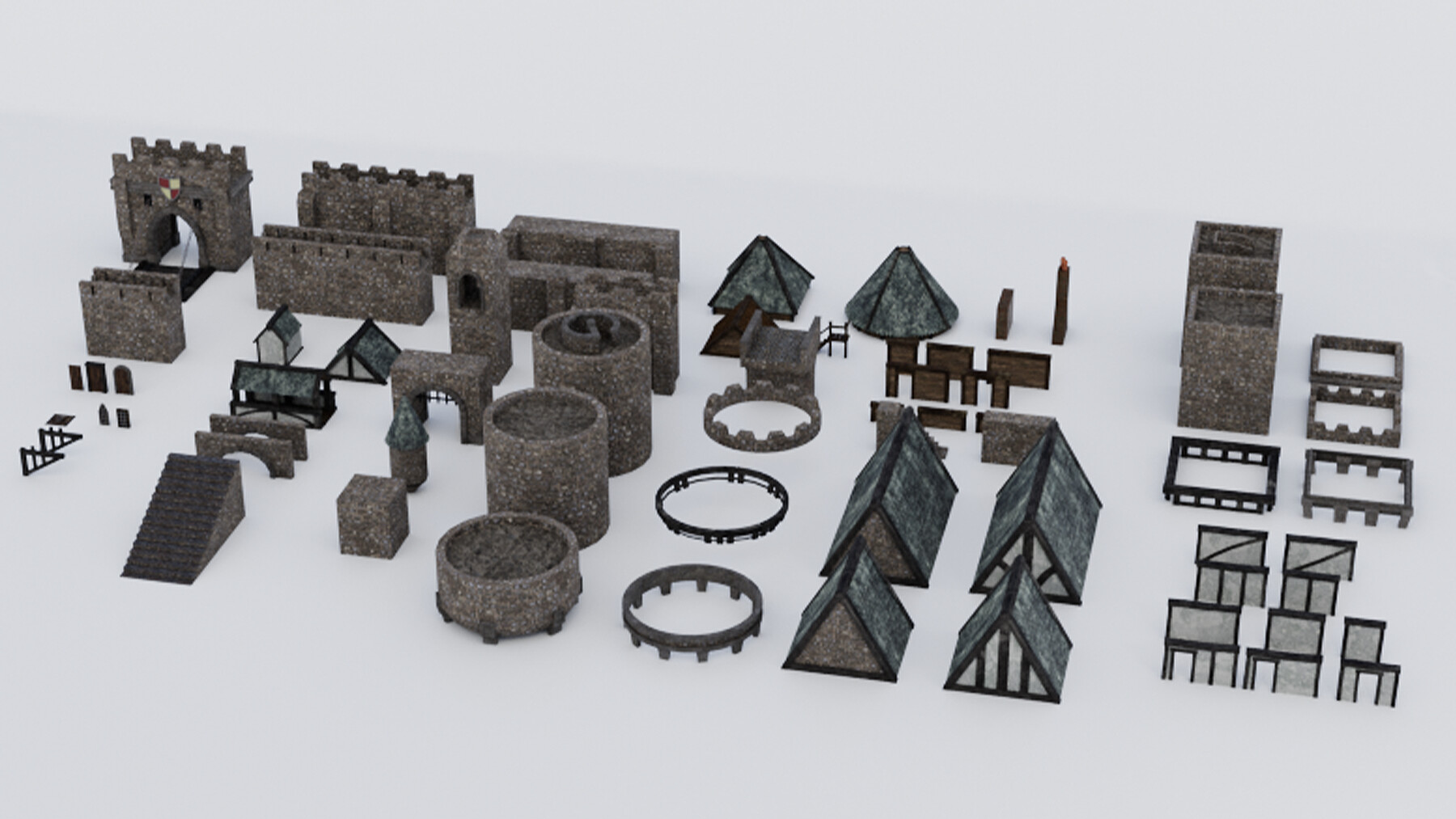
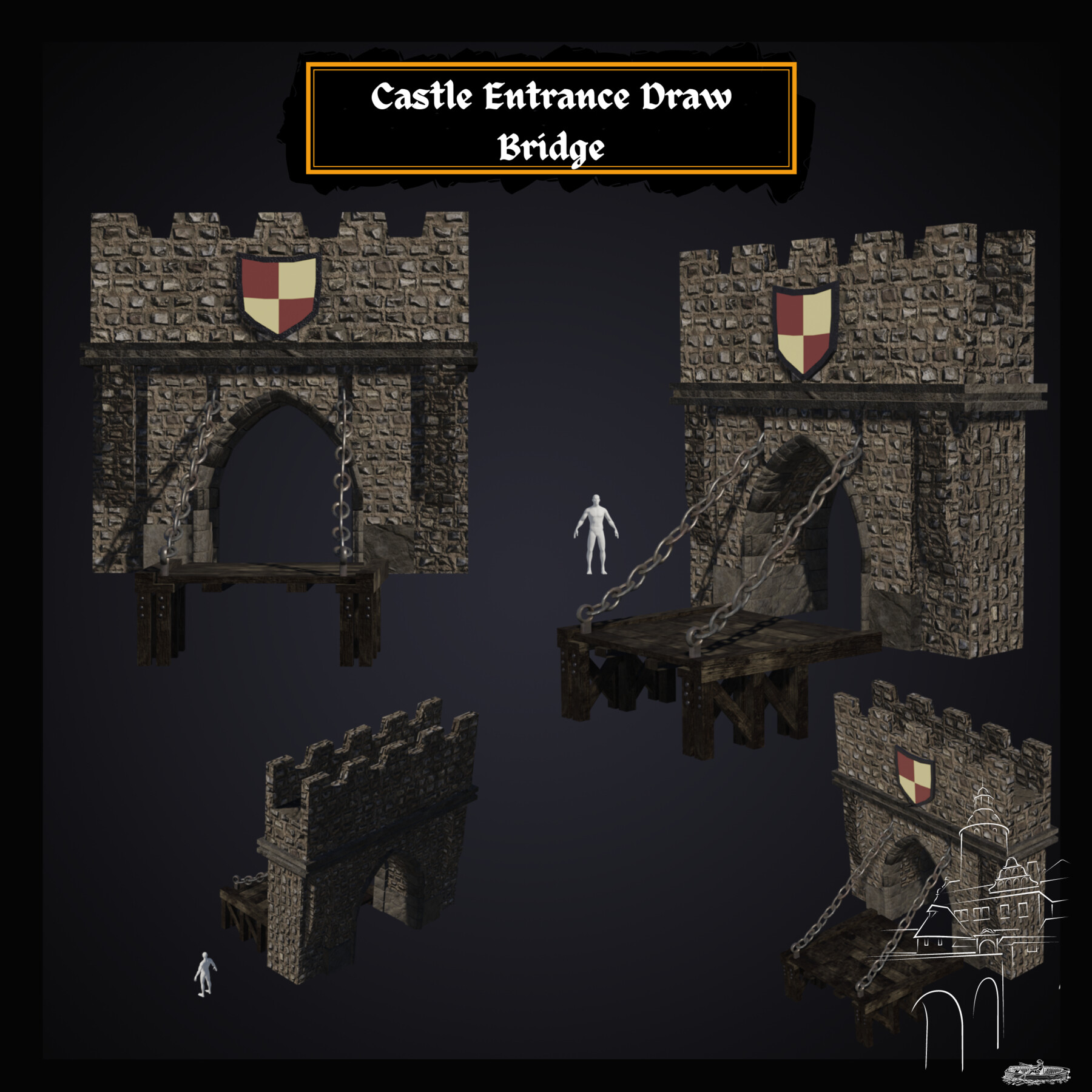
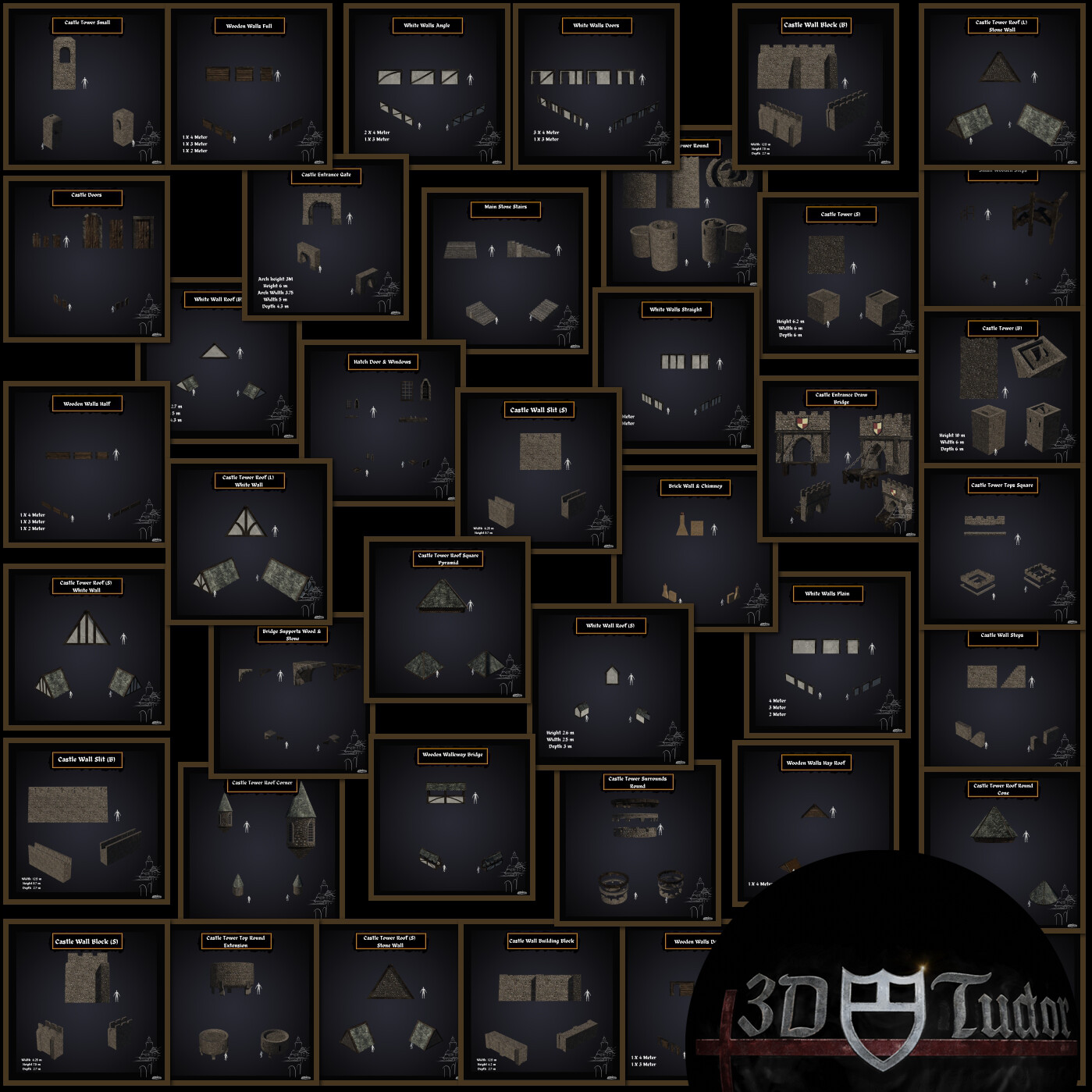
We go on a journey through 65 medieval castle kitbash parts.
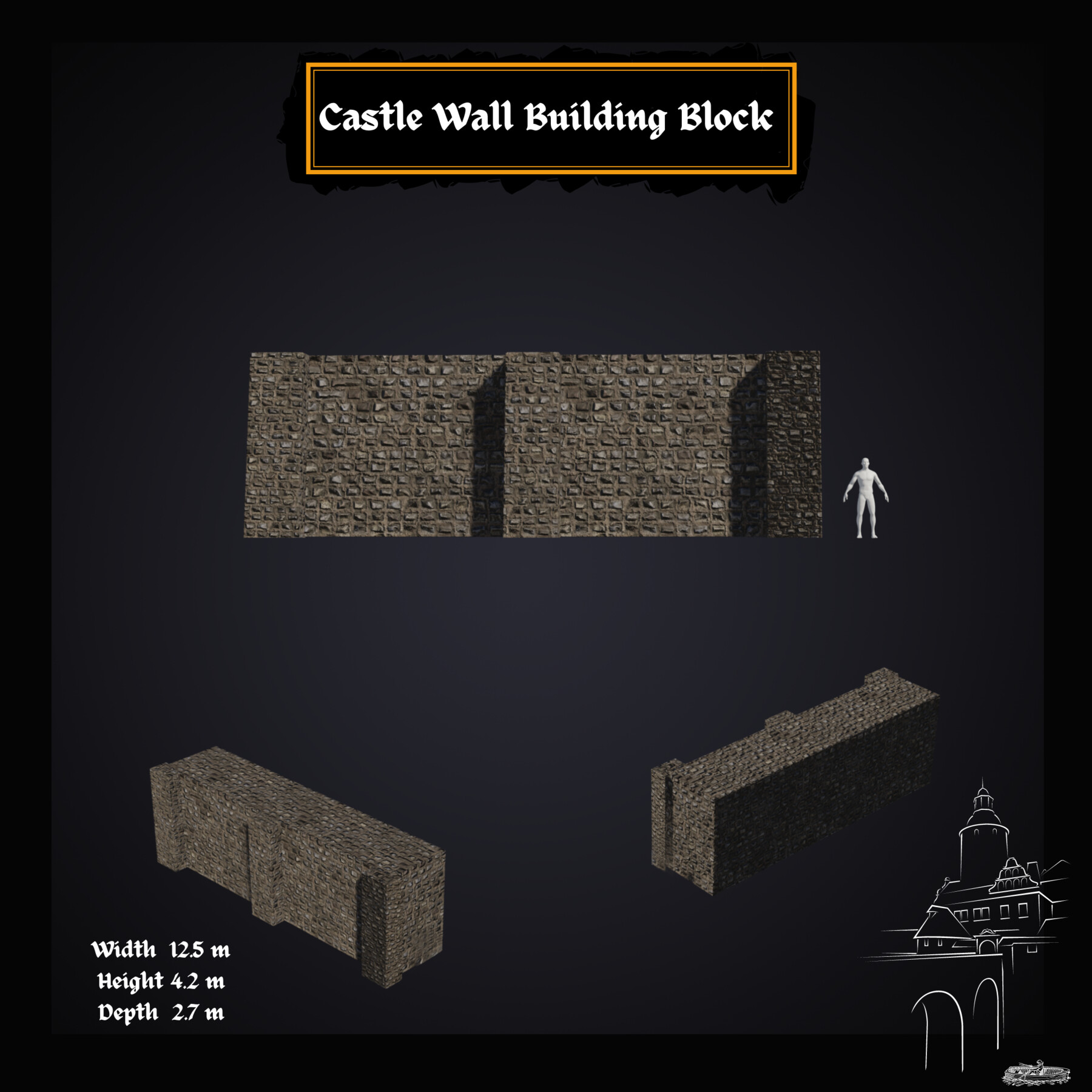
Through 'Blender 2.9 Creating a Medieval Castle Kitbash', you will be creating a series of exciting variations of castle walls, including walls with or without slits for bowmen (let's imagine there's an impending battle, right?!).
You will also be creating white walls like the ones we built in my 'Blender 2.8 Complete Beginners Guide to 3D Modelling a Scene' course. As part of building these props, you will learn how to create and apply Tudor era wall materials; the iconic wood, wattle and daub (i.e., wooden strips covered with clay).
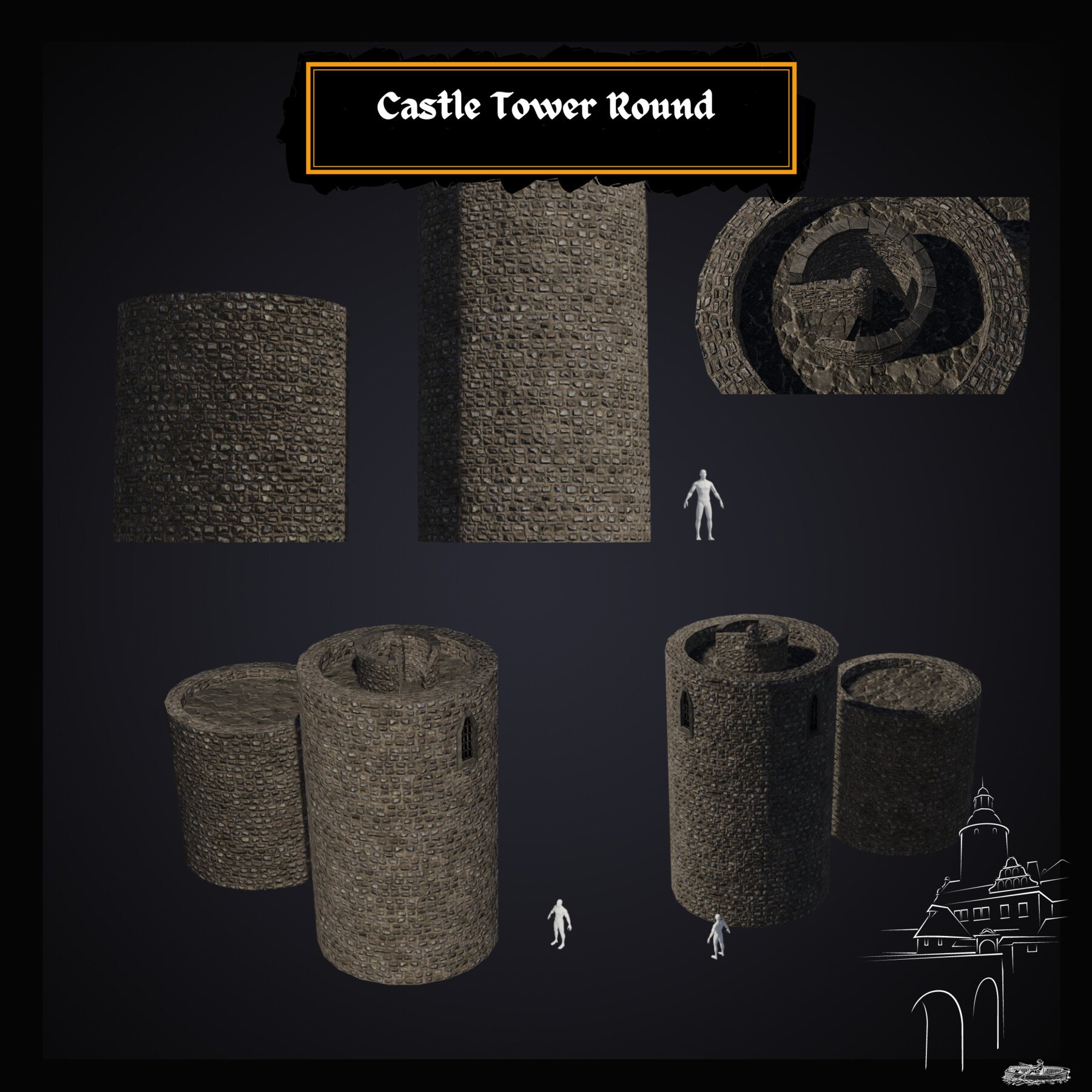
Other awesome props will include hatch doors and windows, wooden walls, a hay roof, stone roofs, a moat bridge, and castle towers with round winding steps.
Kitbash item variations will help you diversify your castle and make it unique from any other student's. With a touch of innovative thinking, which I know you all have, you will be able to create something that stands out.
Be creative! Make your castles bigger and grander. Expand your castle keep land or beautify the upper level of the castle to make it stand out more and increase the social class divide with the other people living there.
Engage in roleplay thinking as you build your castle and create something that breathes life!
Texturing and Materials
One of the new things we cover in this course is vertex painting. We will be painting on vertices, which gives us the ability to create layered texturing. The more vertices you have, the more detailed you can make a texture. In a few words, we will be painting onto the mesh.
As part of creating our medieval castle walls, you will learn how to get your bricks to be seamless when they line up. Using this technical know-how, you will learn how to improve how realistic your medieval castle wall design looks.
This course will also teach you the basics of shaders and how to create your own water shader which you will be able to use in any other builds. But that is not the only unique feature of this course.
We will also be using a grass texture to represent the flourishing grass around our castle gate, and we will adorn the scene using solid rocks.
Lighting
Lighting is one of the most fundamental parts of this course and we take a deep dive into not only HDRI real-world lighting. For a full introduction into lighting 3D scenes, we will also cover all in-built Blender lighting functionalities.
Rendering
We render the kitbash every time we finish a section to make sure everything is going together correctly. To give you full control over the rendering process, you will learn how to render out your scene in both Eevee and cycles and you will know what their differences are.
Course Resources & Freebies
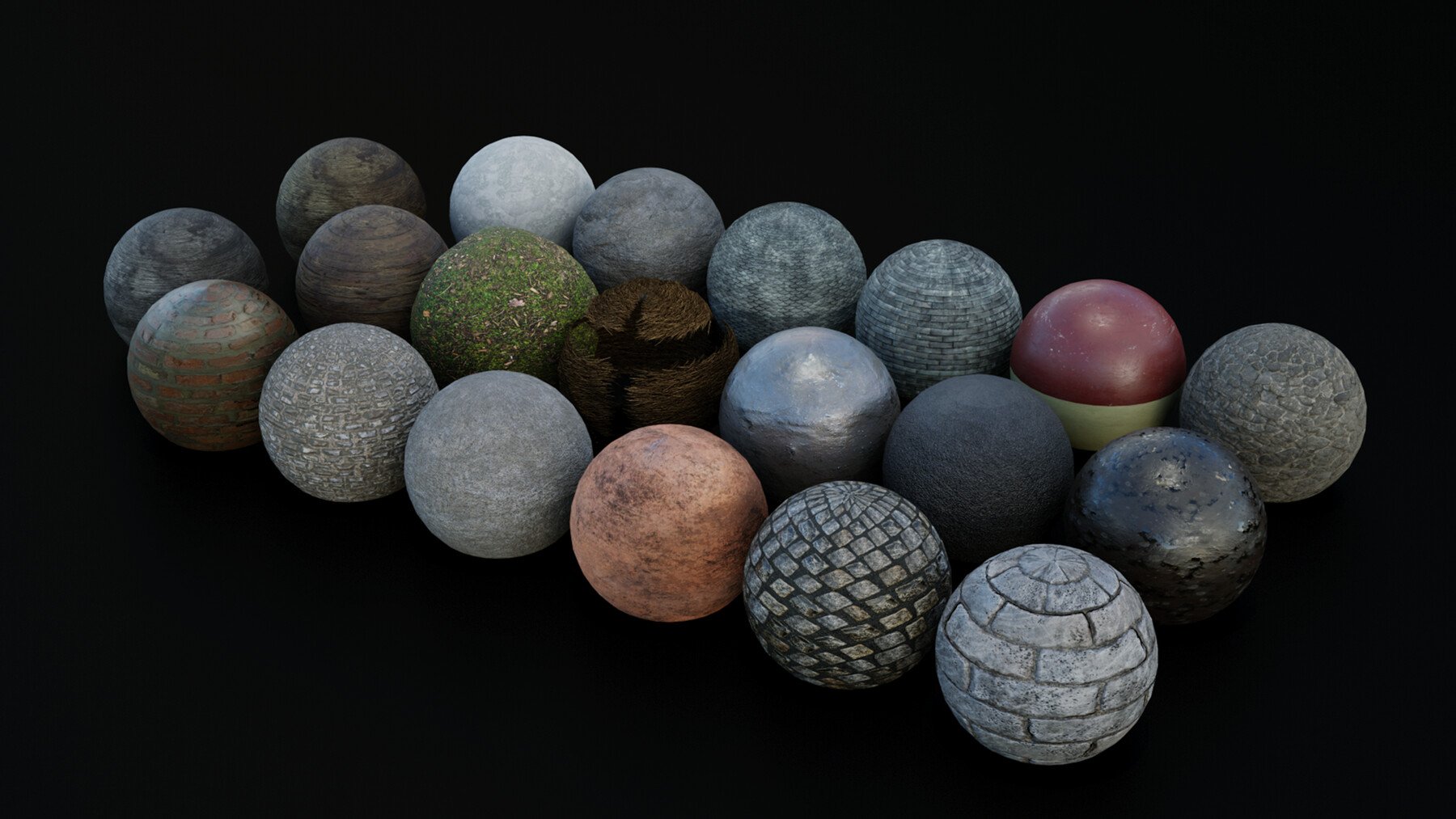
The course reference pack includes 125 texture maps, including alphas, albedo, AO, roughness, metallic, normal, height, and displacement. Our course reference schematics will also show you all the little parts of what you will be creating and they include height information for each asset.
The best course navigation tool for 'Blender 2.9 Creating a Medieval Castle Kitbash' will also be included. The course handbook will give the control back to you and you will be able to fully streamline your learning process to your needs and wants seamlessly.
Something like this is essential to courses as long as this one, and 3D Tudor is the first to consistently include this with all the newest courses.
'Blender 2.9 Creating a Medieval Castle Kitbash', is perhaps the most detailed course on Artstation. We will go through every single part of the creation process. Nothing's left to chance.
Enrol in this course and come be part of a 3D modeling journey of over 30 hours of learning.
Check out the free introduction and I am sure you won’t be able to put this course down.
Who wouldn’t like to learn how to model a castle, and take their creativity to the next level by scaling it up into an entire medieval city?
Learn how to do it with just 65 pieces. Join now.
Until next time, happy modelling everyone!
Neil – 3D Tudor
Course Learning Outcomes
What will students learn in your course?
- Following through a complete guide on creating a Medieval Castle Kitbash
- Using Blender 2.9 (the newest software version) and understanding its interface and shortcuts
- Creating 65 stunning medieval castle assets enabling you to build a castle, town or city, unique to every student
- Learning an industry-standard 3D modelling professional workflow within Blender 2.9
- Effective problem-solving in Blender 2.9
- A course within a course introduction into (a) Blender basics, (b) materials and textures, and (c) seams, sharps, and UVs.
- Discovering vertex painting
- Learning how to use HDRIs as backgrounds to feature your 3D models in
- Maintaining and optimising medieval Europe aesthetics for a full castle scene
- Marking Seams, Sharps, and fixing Normals
- Smoothing and preparing meshes for texturing
- Adding materials using Blender 2.9’s node system
- Learning the basics of shaders
- Creating a water shader procedural material in Blender 2.9
- Mesh deforming and using Booleans
- Learning how to make loop cuts in Blender 2.9
- Fixing Ngons within Blender 2.9
- Complete guide on marking seams & texture resolutions
- Complete UV Mapping Guide: UV mapping and UV unwrapping your model
- Creating Collections of Objects and Meshes using a Hierarchy System
- Learning how to use rendering to improve the quality of presentation for your 3D environment in both Blender 2.9 Cycles and Eevee
- Rendering a medieval castle kitbash scene to a high level.
Are there any course requirements or prerequisites?
- To own a computer (Mircrosoft, Linux or Mac)
- A graphic tablet is highly recommended but not required
- To have downloaded Blender 2.9 (available for free)
- A thirst to learn and excitement about 3D modelling
- To download all course resources including a course handbook, 65 references, and 125 texture maps, including alphas, albedo, AO, roughness, metallic, normal, height, and displacement.
Who are the target students? - Beginner 3D modellers eager to learn how to build a medieval castle kitbash
- Enthusiasts of Blender who want to fast-track their understanding of its new and exciting changes
- Mid-Level 3D modellers who want to take their modelling to the new level and improve their workflow with tips and tricks
- Medieval Europe fans who want to recreate a realistic and to-real-world-proportion medieval castle, town or city
Still unsure? Then, let me tell you what's unique about this course:
- a massive course resource pack with 125 free texture maps;
- 65 references of all kitbash items with real-world dimensions;
- animations & key commands throughout the learning process;
- full control over where you render out your scene, using Eevee or cycles;
- learning how to import and put textures together;
- becoming an expert at using the in-built Blender node wrangler add-on;
- accessing 3 courses within a course, including full lessons on (a) Blender basics, (b) materials and textures, and (c) seams, sharps, and UVs.